Give ScaleSec limited access to your GCP organization for a security assessment.
scalesec-security-assessment@scalesec-dev.iam.gserviceaccount.com will be added with minimal privliges into your GCP organization.
The following items are required for a successful setup.
- You must be an Organization Role Admin
- The gcloud SDK CLI
- The
jqCLI utility for your chosen platform
- Open your Google Cloud console.
- Open Cloud Shell
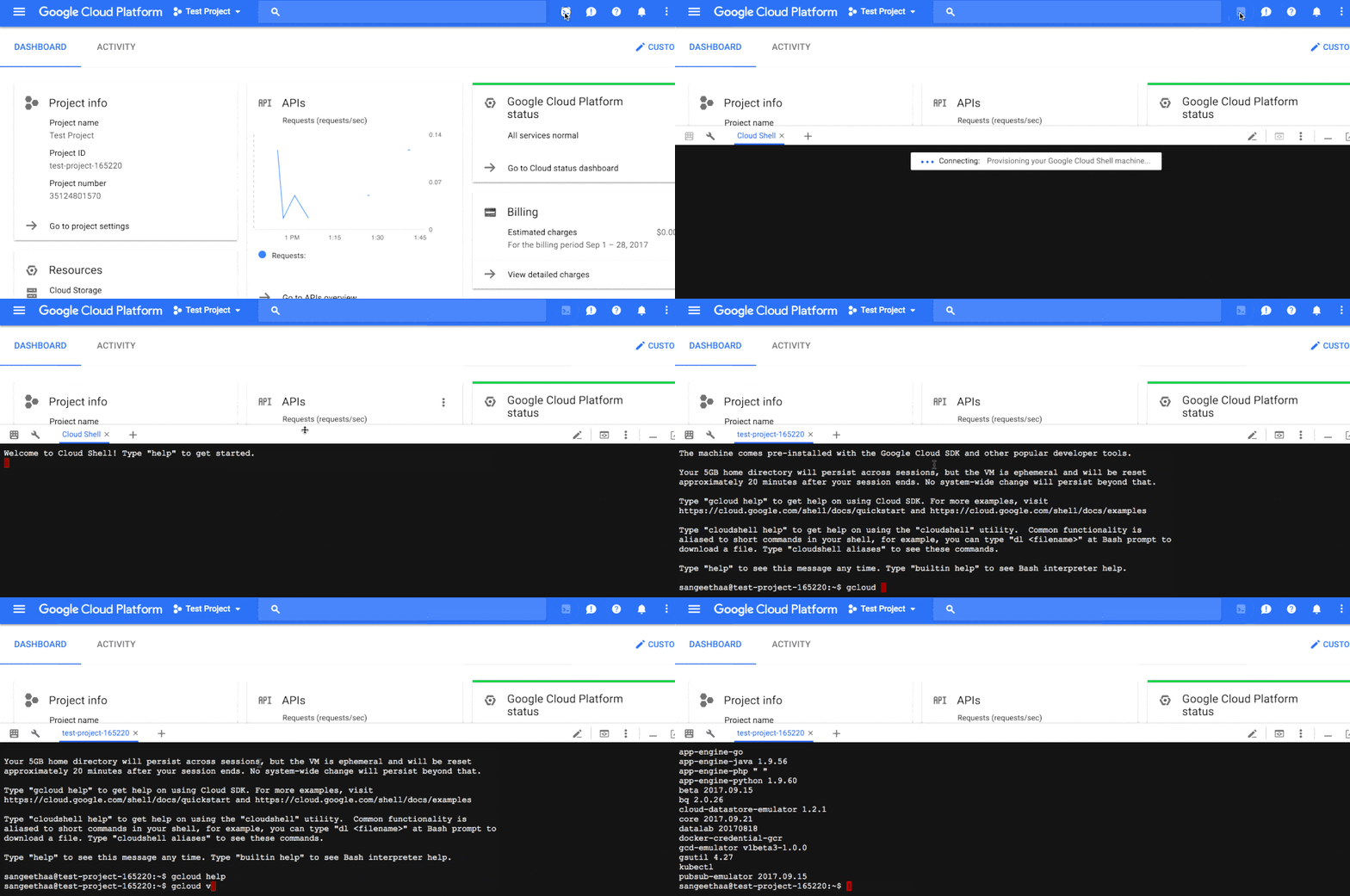
- Clone this repositry and switch to its directory:
git clone https://github.com/ScaleSec/gcp-assessment-setup.git
cd gcp-assessment-setup/
- Edit the
manage_security_assessment_role.shand set the organization name:
ORG_NAME="example.com"
Note: other variables including the ROLE_ID, YAML_PATH, and SERVICE_ACCOUNT should not be changed.
- Run the script to set permissions:
bash manage_security_assessment_role.sh create
- Run the script to enable APIs:
bash enable_service_apis.sh
From the Admin Console (https://admin.google.com):
The Service Account is required to have permission to impersonate a Super Admin in order to use the Directory API to test if all users have MFA enabled (CIS 1.2). This Service Account will have minimal permission scopes as laid out in Step 9.
Google Documentation around this subject is located here. The Customer will also need to provide the email address of the Super Admin to impersonate.
- Sign into the Admin Console with a
Super UserAccount:

- Select Security --> Advanced Settings --> Manage API Client Access

- Input
101372154367894419728into theClient NameField. Addhttps://www.googleapis.com/auth/admin.directory.user.readonly,https://www.googleapis.com/auth/admin.directory.domain.readonlyto the API Scopes Field
