Traffic-get is a bash script that could helps you to get the traffic through a network interface for a period of time, defined in seconds. It is designed for Ubuntu 16.04 or later and uses the command Ifconfig.
The sctip is inspired by the question How to get the current network traffic via the commandline in a simple format? of AskUbuntu.com. This script is based on the script traffic-watch are provided more explanations.
1. Place (or symlink) the executable script file traffic-get in /usr/local/bin, thus it will be available as shell command. Don't forget to make it executable.
sudo touch /usr/local/bin/traffic-get
sudo chmod +x /usr/local/bin/traffic-get
sudo nano /usr/local/bin/traffic-get
2. Then place the content of traffic-get.bash inside.
!!! Alternatively (to 1. and 2.) use the interactive installator install.bash that will do this job.
3. The script call syntax:
traffic-get <interface name> <units of measurement> <period of measure> <type of the output>
traffic-get enp0s25 MiB 30 total
4. Input parameters:
<interface name>use the commandifconfigto get the interface name. Default:eth0<units of measurement>available values:B,KB,KiB,MB,Mib,Gb,Gib. Default:MB<period of measure>in seconds. Default:30<type of the output>available values:verbose,all,incoming,outgoing,total.
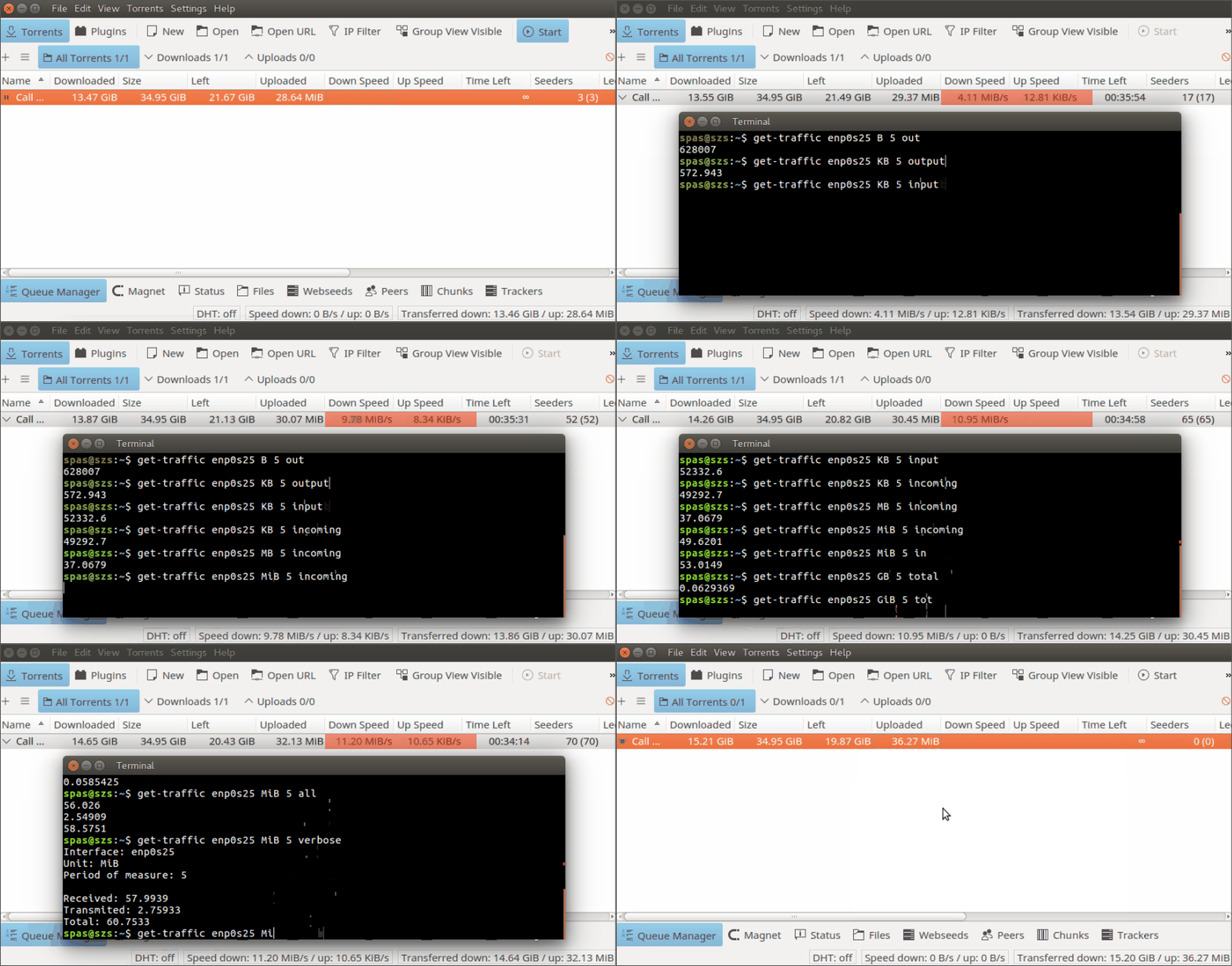
5. Examples of usage:
References: