Notifications
Notifications are the first feature one should install Pontoon Add-on for. Instead of checking the Pontoon web application yourself, just wait for Pontoon Add-on to let you know about any news from Pontoon.
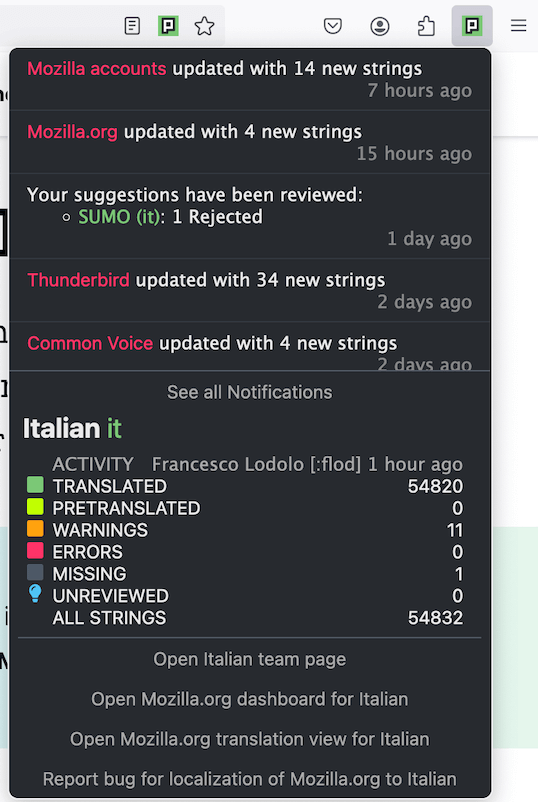
The toolbar button is the most prominent place in Pontoon Add-on. You'll find it on your the browser toolbar. If you have some unread notifications in Pontoon, the button will show you their number.
When you left-click the button, a popup will open with the latest notifications, highlighting those you haven't read yet. Click any notification to open the related project. Below you will also see some brief information about how your team stands.
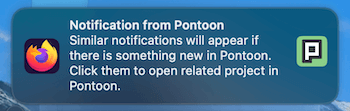
The toolbar button is great, but you do not have to watch it all the day. By default Pontoon Add-on will show you a system notification popup about anything new in Pontoon. The behaviour is similar to Push notifications you may know from various websites. Click the notification to open the related project.