English isn’t my first language, so I’m sorry for the errors.
This file contains a description and explanation of my config files. It’s include:
By definition, dotfiles are ”configuration files for various programs, and they help those programs manage their functionality”. This repository with my files was created by a git using a bare repository created in my home directory in Linux (using Arch btw).
It has two forms to clone this repository:
git clone https://github.com/monteiroliveira/dotfiles.git .dotgit clone --bare https://github.com/monteiroliveira/dotfiles.git $HOME/.dot
# Set the alias in your shell or just in line
alias dot="/usr/bin/git --git-dir=$HOME/.dot --work-tree=$HOME"
dot checkout“Xmonad is a tiling window manager for X. Windows are arranged automatically to tile the screen without gaps or overlap, maximising screen use. All features of the window manager are accessible from the keyboard: a mouse is strictly optional. Xmonad is written and extensible in Haskell.” - About Xmonad
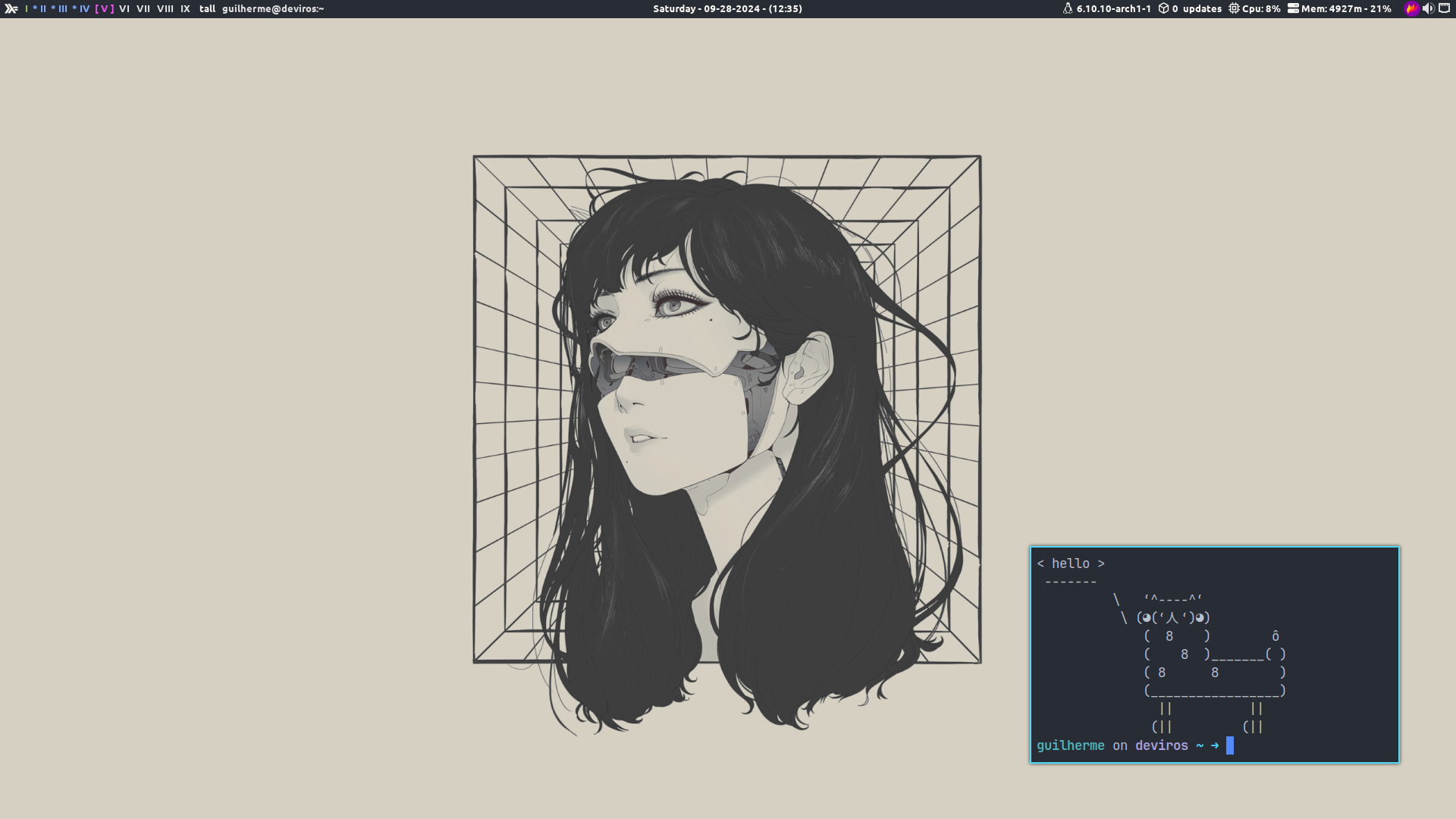
I started using xmonad as a way to learn Haskell in the practice, and now xmonad is my main window manager.
You can find the xmonad configuration file in .config/xmonad/xmonad.hs or Xmonad config file.
| Keybind | Description |
|---|---|
M-C-r | Recompile Xmonad |
M-S-r | Restart Xmonad |
M-S-<Return> | Spawn a spawn prompt (like dmenu) built-in in xmonad |
M-<Return> | Spawn terminal (alacritty) |
M-S-b | Toggle struts |
- Haskell (obviously)
- Trayer (Systray)
- Picom
- Volumeicon (Systray volume control)
- Nitrogen (Wallpaper Manager)
- Fonts (Mononoki Nerd, Ubuntu family, Jetbrains Nerd, Awesome)
Jetbrains Nerd and Awesome is for xmobar.