

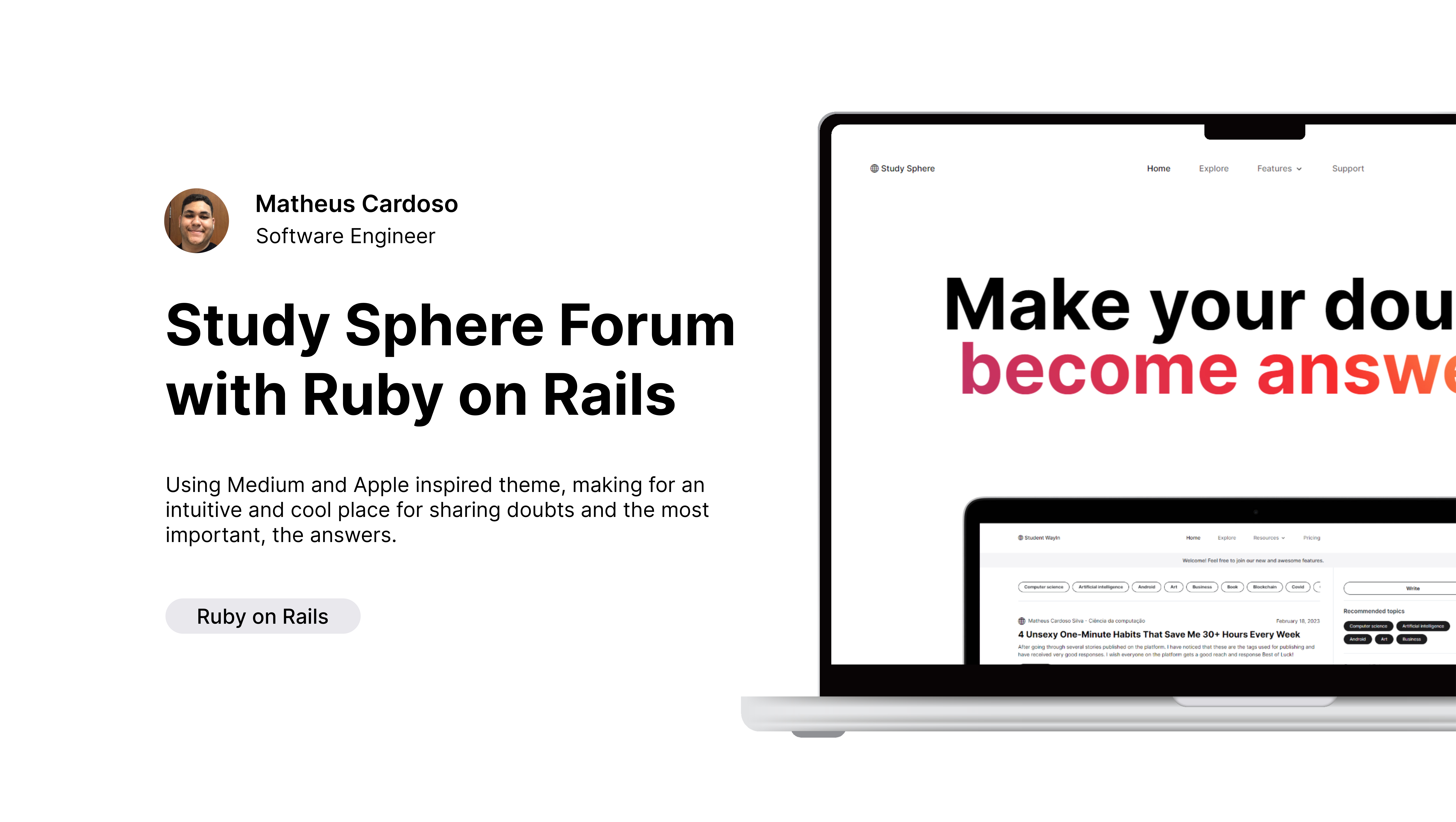

Don't forget to leave a star ⭐!
- 📲 User-friendly interface designed for easy navigation
- 🔎 Advanced search functionality to quickly find the information you need
- 💻 Collaboration tools such as discussion boards, chat rooms, and video conferencing
- 📝 A wide range of academic discussions and forums to participate in
- 🌎 Connecting with peers from around the world to expand your knowledge and network
- 🎓 Suitable for students, teachers, and researchers alike
- 📧 Flexibility in creating and customizing discussion topics
- 👤 Easy moderation tools to manage discussions and users
- 💻 Mobile-friendly design for convenient access on the go
- 🔐 Secure and private platform to protect user data and discussions.
Prior to commencing the development process and working with the codebase on your preferred IDE, certain services need to be established in order to ensure successful project execution.
Not you must have already installed Ruby on Rails and we reccomend to use RVM as Rails Version Manager.
rvm install 7.0.4.2
rvm use ruby-7.0.4.2-
Install project dependencies
bundle. If having problems installing try forcing it,bundle install --redownload. -
Start Developing. Navigate into your new site’s directory and start up the local server
rails s🎉.
See the reference guide to read more on other commands you can use with the rails --help.