Solaris Edition
- Compatibility
- Certificates
- Disclaimer
- Bill of materials
- Quick start
- Settings
- LEDs
- Buttons
- Bluetooth LE
- Device Id
- Battery life
- Optional equipment
- Links
- Troubleshooting
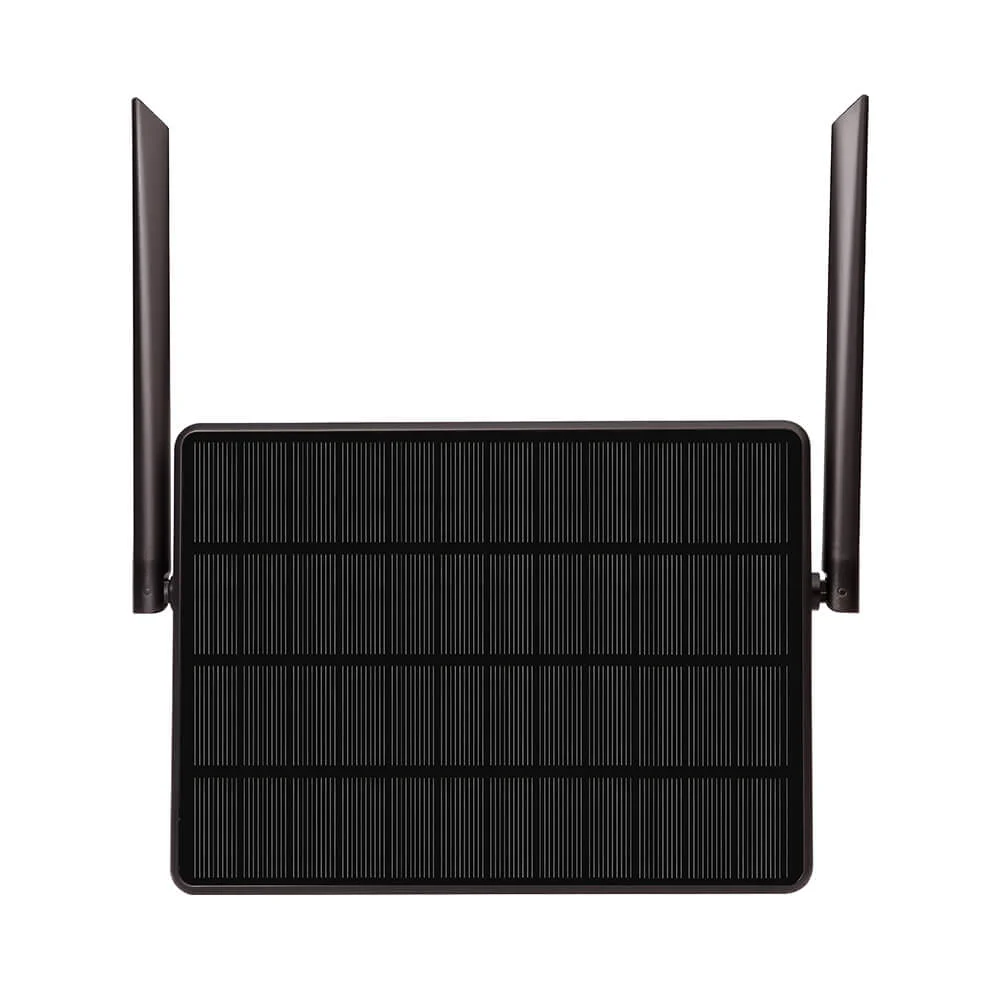
Solaris Edition is a variant of SoftRF DIY GA proximity awareness device been implemented in an IP65 weatherproof, solar panel form factor.
Solaris employs a concept of "once installed on an aircraft - it runs forever". Air traffic data gets delivered to a user by means of a wireless Bluetooth LE connection. Device settings are accessible by the Bluetooth LE as well. A data transfer over wired connection is also available as an alternative method.
There is an option to connect an external air pressure sensor by means of I2C bus.
This device is supposed to require minimal skills from a user to begin with and gives an opportunity to evaluate if the SoftRF technology is appropriate for your needs.
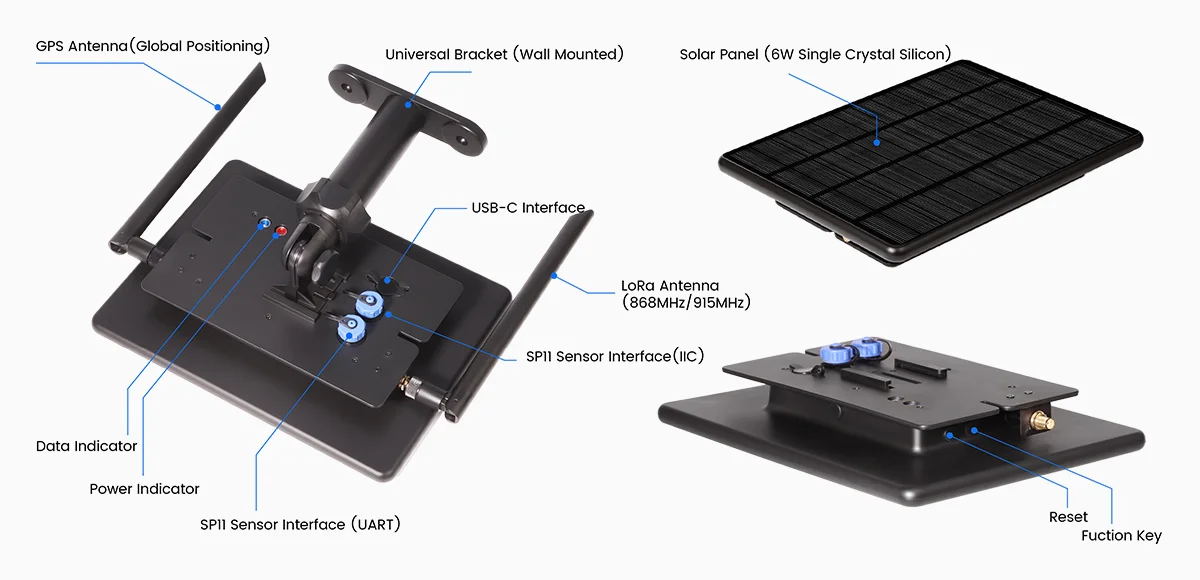
Solaris is based on third-party's hardware - Elecrow® ThinkNode M6 product, which is available for direct purchase from manufacturer at more or less reasonable price (80+ USD).
| Type | Protocol | FLARM | OGN tracker | PilotAware | Skytraxx | SoftRF |
|---|---|---|---|---|---|---|
| Radio | FLARM AIR V7 |
|
|
|
||
OGNTP |
|
|
||||
P3I |
|
|
||||
FANET+ |
|
|
||||
SRD 860 |
|
|
||||
| Data | FLARM NMEA |
|
|
|
|
|
| Garmin GDL90 |
|
|
||||
Dump1090 |
|


1 - it is necessary for a reader to feel the difference between statement "compatible"
and statement "fully compatible".
SoftRF implements only a reasonable minimum of the protocols specs.
No "bells and whistles" so far.
Elecrow® ThinkNode M6 has the following certificates of compliance :
- (EU) CE : VERIFICATION OF CONFORMITY
- (US) FCC ID : 2BDNA-TNM6-ELE , EMC TEST REPORT
It means that this device is approved by corresponding agencies for:
- land use and
- with genuine factory firmware.
SoftRF firmware for Solaris Edition is distributed in the hope that it will be useful, but WITHOUT ANY WARRANTY; without even the implied warranty of MERCHANTABILITY or FITNESS FOR A PARTICULAR PURPOSE.
In general a lot of Chinese DIY electronics manufacturers are known to behave this way:
- sometimes they may not apply necessary Q.C. before releasing of a product from factory ;
- they may arbitrary change schematics and electronic components from one batch to the next one.
Author of SoftRF firmware:
- will reject any hardware related claims associated with Elecrow® ThinkNode M6 product. Ask for support from seller or manufacturer ;
- reserves the right to suspend or terminate support of Elecrow® ThinkNode M6 in the firmware at any time.
For the time being ( Sep'25 ) there were no critical hardware issues reported for current version of the ThinkNode M6 product. However things my change over the time...
If you have issues with bringing up your new Elecrow® ThinkNode M6 or just not happy with the product - be prepared to execute your Purchase Protection plan.
| Number | Part | Qty | Picture | Source |
|---|---|---|---|---|
| 1 | Elecrow® ThinkNode M6 2 |
1 |  |
Elecrow Store 1 2 AliExpress 1 2 3 |
2 - 868 MHz variant is applicable for these world regions: EU, RU, NZ, SA, IN ;
915 MHz - US, CA, AU, KR, IL.
| Number | Part | Qty | Picture | Source |
|---|---|---|---|---|
| 2 | SP11 male connector | 2 |  |
TBD |
| Number | Part | Qty | Picture | Source |
|---|---|---|---|---|
| 3 | Bosch BMP280 pressure sensor | 1 |  |
AliExpress |
- follow these instructions to install the firmware ;
- use instructions for Card Edition to start operating with your delivered Solaris device.
Begin with Step 9.


Procedure of settings change is explained on this page.
Basic (radio) settings description is located here.
Important
EASA ADS-L radio protocols selection is not applicable with current version of SoftRF Tool app for Android - use
- SoftRF Configurator app or
- Online Tool method instead.
If you are an application developer and you think about to add the Solaris configuration menu into your software, please, use:
Red LED indicates unit power on status.
Flashing red LED indicates low battery charge level.
Blue LED has no function at this time.
When unit is Off:
- press and release FUNCTION button to turn the unit On.
When unit is On:
| Button(s) | Operation |
|---|---|
| FUNCTION | press and keep holding FUNCTION button for 2-3 seconds to turn the unit Off |
| RESET (once) | reboot the device |
| RESET (twice) | enter into bootloader mode |
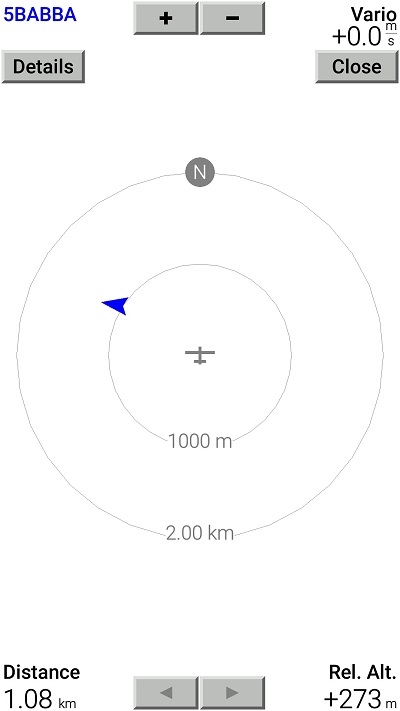
Factory default data output setting is to deliver GNSS and air traffic information over Bluetooth LE in NMEA plain-text format.

This data is sufficient for an app (such as XCSoar) to facilitate a Radar view:
These Bluetooth LE services are available:
- UART
- Battery
- Bluefruit device information
- OTA firmware update

This is a list of mobile applications that are known good to operate with the Solaris Edition over Bluetooth LE:
-
SoftRF Tool

-
SoftRF Configurator

- XCSoar
- LK8000
- Bluefruit Connect
- nRF Connect for Mobile
- Serial Bluetooth Terminal
- FlySkyHy
- XCTrack
- Enroute Flight Navigation
Please, use the Bluetooth LE page for Badge Edition to get more information.
When a user wants to register a SoftRF device in OGN or other aircrafts database - it's Id can be obtained with assistance of SoftRF Tool application.
| Protocol | Id |
|---|---|
| OGNTP Legacy P3I ADS-L PRoL |
 |
| FANET |  |
Current consumption from 3.7 Volt battery:
| Mode | Average current |
|---|---|
| Active | 70 mA |
Operating time from a full charge depends on your actual battery capacity.
When battery charge level is getting low - the red LED will start flashing to indicate that charging is necessary.
When battery charge level is almost "zero" - the Solaris will enter into low power (deep sleep) mode.
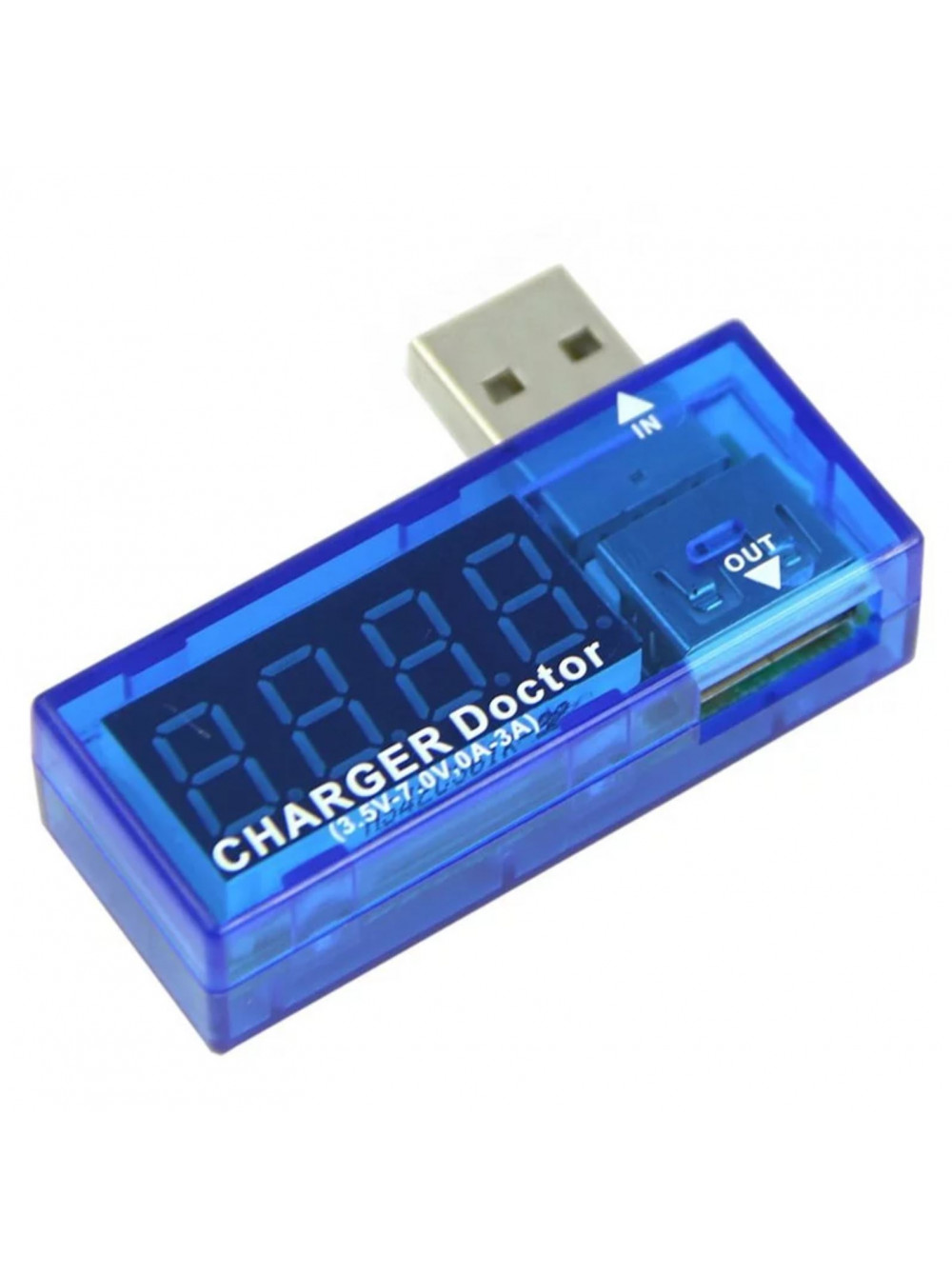
- device is ON
Use a Bluetooth LE app, such as SoftRF Configurator, to monitor charging progress / battery voltage.

- device is in Sleep
A tool like that can help to realize when charging process is complete.

| Elecrow® ThinkNode M6 | BMP280 |
|---|---|
| 3V3 | VCC |
| GND | GND |
| P0.08 | SCL |
| P1.09 | SDA |
Warning
Reported pressure altitude value may deviate from true value at any time.
There is an option to connect an external RS-232C device to UART pins of the Elecrow® ThinkNode M6 MCU.
| Function | Elecrow® TN-M6 | RS-232 adapter |
|---|---|---|
| TxD | P0.24 |
RxD |
| RxD | P0.22 |
TxD |
| Power | 3V3 |
VCC |
| Ground | GND |
GND |
Signal levels: 3.3 Volt
Transfer settings: 38400 bps, 8N1
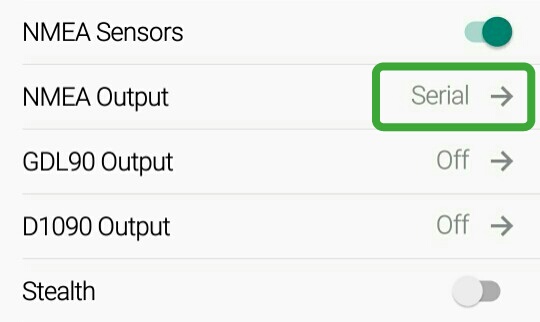
Use the SoftRF Configuration Tool to alter direction of data output.
SkyView EZ is a DIY companion device for SoftRF Solaris Edition.


- Elecrow® ThinkNode M6 Wiki
- User Manual
- Elecrow® ThinkNode M6 on GitHub
- A review of Elecrow® ThinkNode M6 on CNX Software
- If you are in doubts that your device powers up properly - you can monitor the boot sequence with USB cable connection ( 38400, 8N1 ).
This is how a good boot log looks like:

SoftRF
-
Standalone

- UAV
-
LoRa module
-
Concorde
-
Retro MkII
-
Prime MkIV
-
Prime MkIII
-
Badge
-
Card MkII
-
Card
-
Stylus
-
Airventure
-
Pocket
-
Nano
- Prime MkII
-
Dongle
- Ham
- Handheld
-
Solaris
-
Lyra
-
Labubu
- Eco
- Gizmo
- ES
- Octave
- Duo
- Uni
- Cozy
- Midi
- Mini
- Lego
- Balkan
-
Academy
- Raspberry
- Bracelet
- Retro
SkyView
Flight Recorder
Adapters
Firmware
Tools
Protocols