


Catch Jenkinsfile mistakes and security problems before they reach your CI.
jenkins-lint checks Jenkinsfiles and shared library files offline, in
milliseconds, with no Jenkins, Docker or JVM: Groovy syntax and Declarative
Pipeline structure, with the wording of Jenkins's own validator, and security
problems such as secrets and pull request titles interpolated into shell
steps, with fixes. --remote also validates the files with your Jenkins,
which knows its plugins. It is one small binary, for pre-commit, CI and the
command line.
Note
Formerly jenkinsfilelint: see Migrating to 2.0.
pip install jenkins-lint
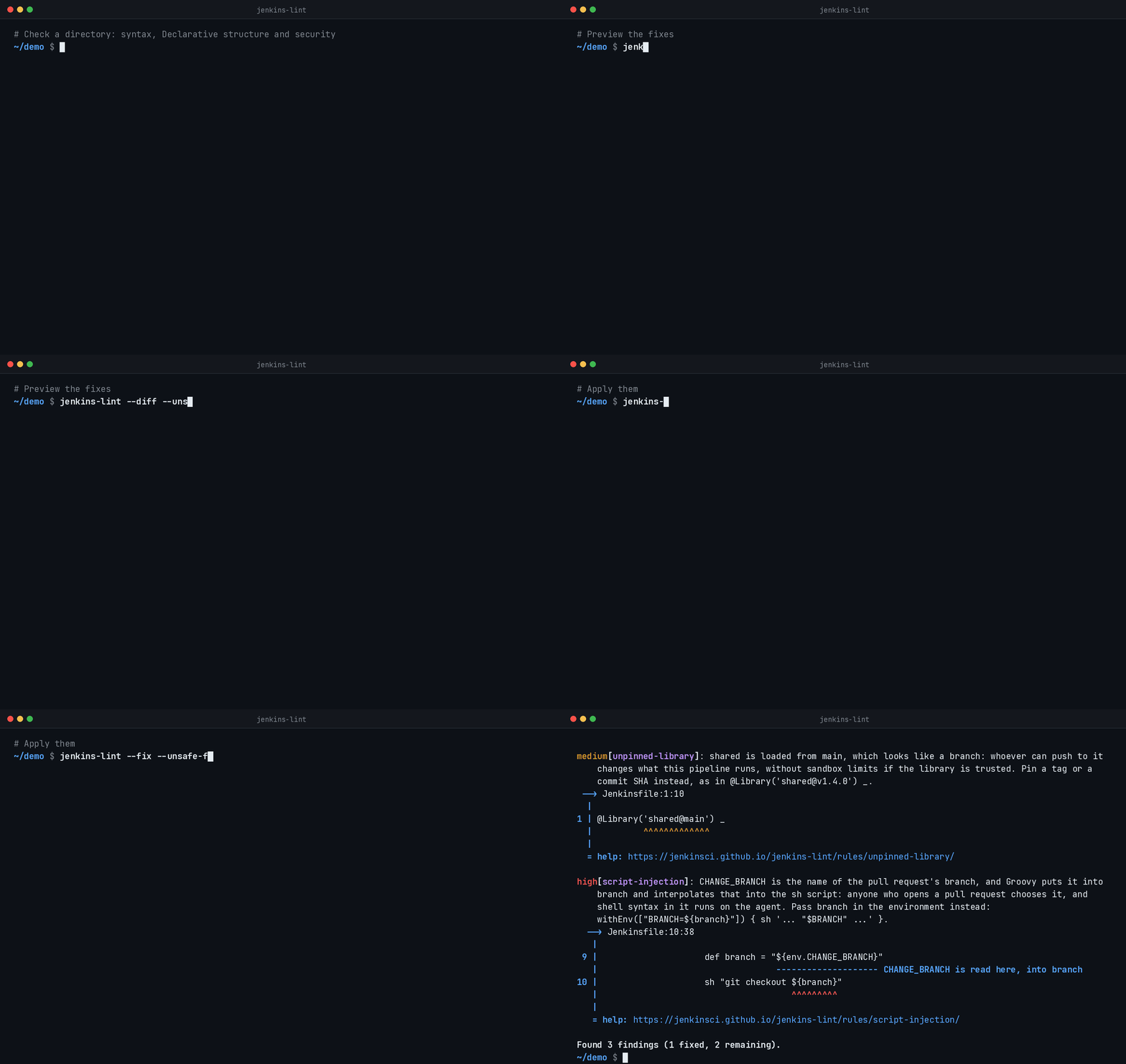
jenkins-lint Jenkinsfile  # syntax, Declarative structure and security
jenkins-lint .            # every Jenkinsfile and shared library file here
Without Python, download the binary
of a release, or use the Docker image
ghcr.io/jenkinsci/jenkins-lint.
That works as is: files are checked offline, and --remote also checks them
with your own Jenkins. Then add the pre-commit hook (see below) or keep
using the CLI.
Add the hook to your .pre-commit-config.yaml and install. Once configured,
every commit that touches a Jenkinsfile is automatically validated.
# .pre-commit-config.yaml
repos:
  - repo: https://github.com/jenkinsci/jenkins-lint
    rev: # use the latest version
    hooks:
      - id: jenkins-lint
pip install pre-commit
pre-commit installEverything else is on the documentation site: install, usage, pre-commit, configuration, security, how it works and the security audit.
See CONTRIBUTING.md.
MIT — see LICENSE.