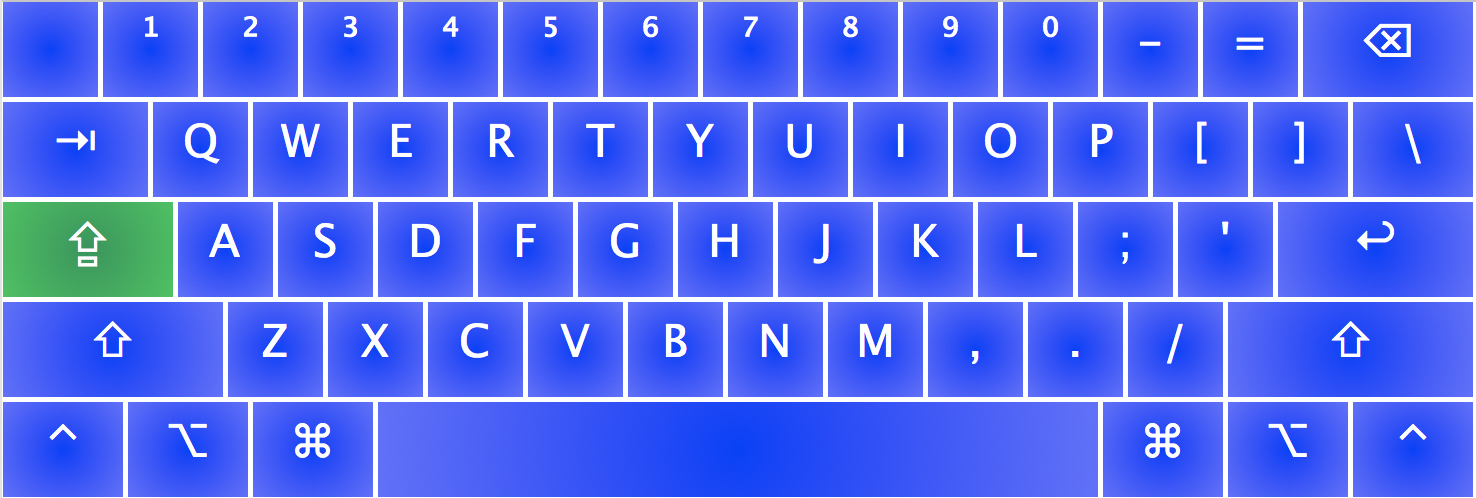
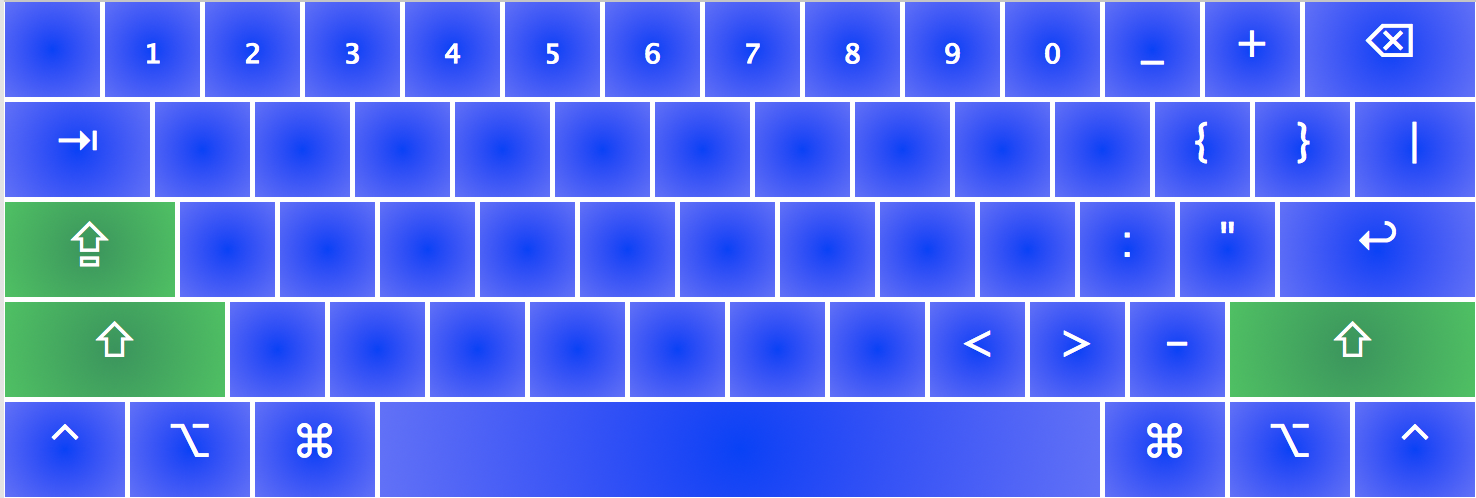
For mathematics:
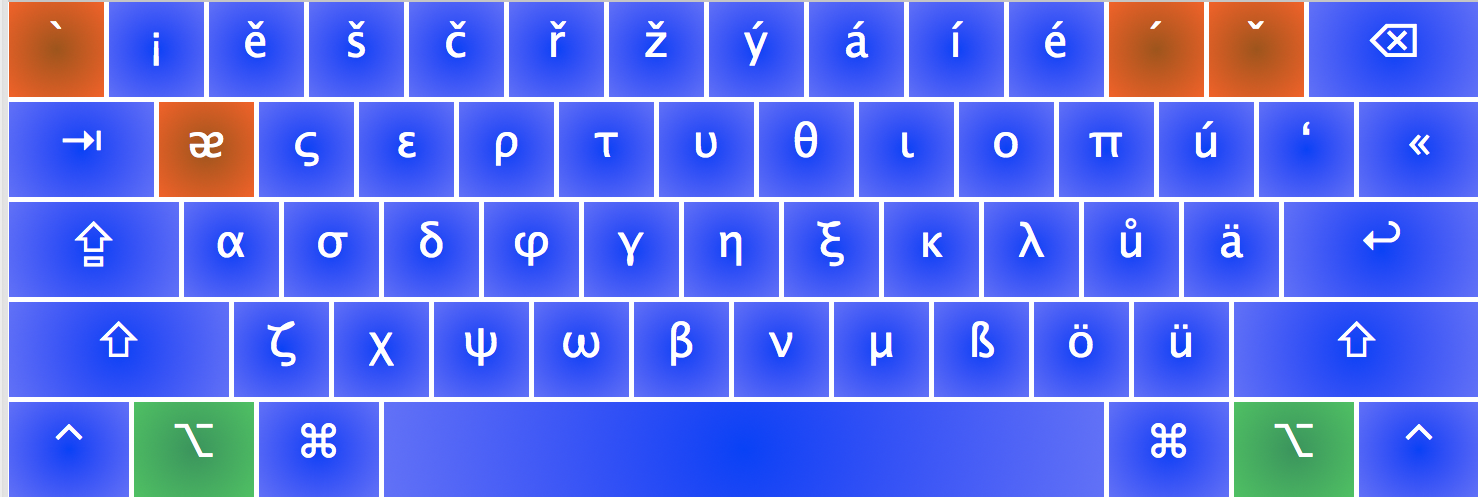
- Greek letters while holding option key! (α,β,γ)
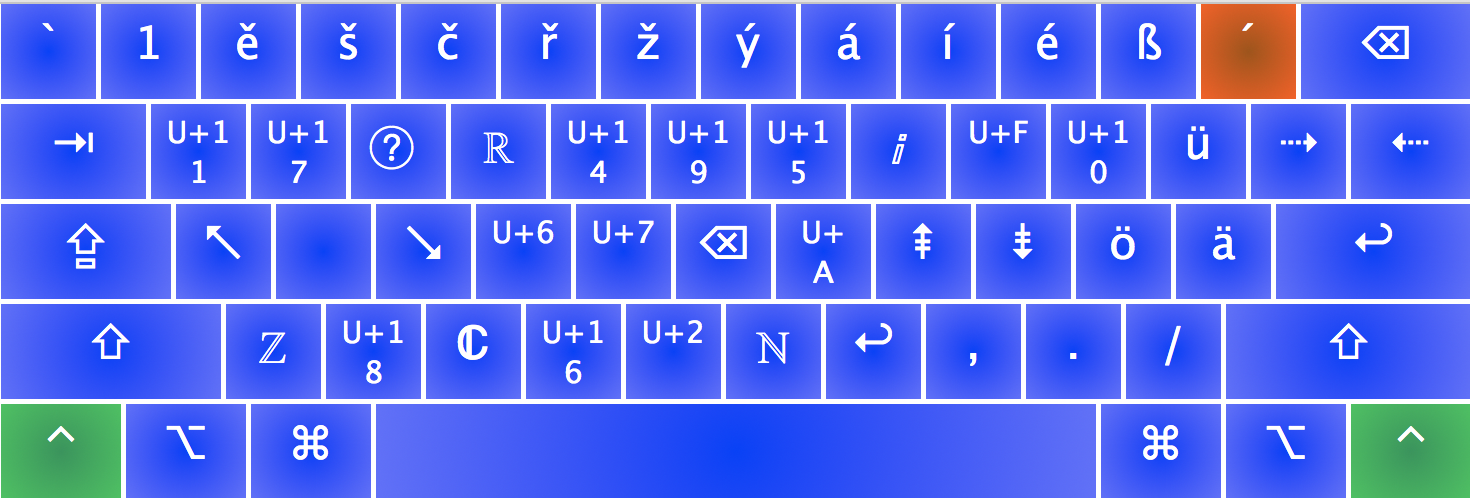
- Most useful groups while holding control key! (ℝ,ℂ,ℤ)
- Superscripts while Caps Lock! (¹²³⁴⁵⁶⁷⁸⁹⁰)
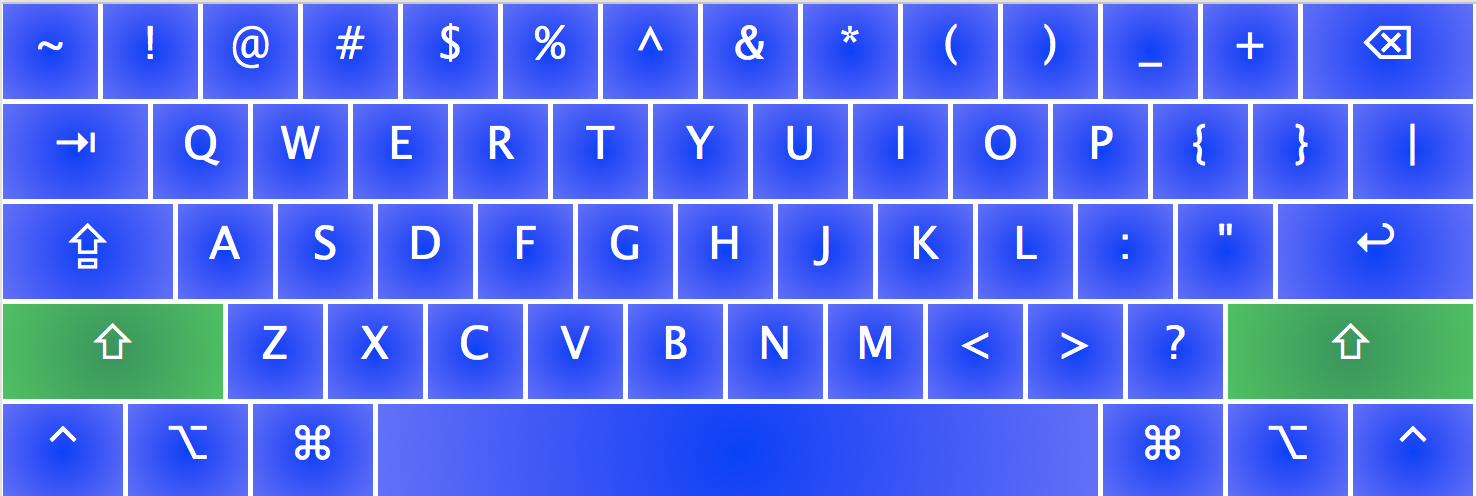
- Supbcripts while holding shift and Caps Lock! (₁₂₃₄₅₆₇₈₉₀)
For German writers:
- Hold control and write umlauts (ö,ü,ä) and ß (hold shift as well for uppercase)
For Czech writers:
- Hold option and write accents (ěščřžýáíéúů) (hold shift as well for uppercase)
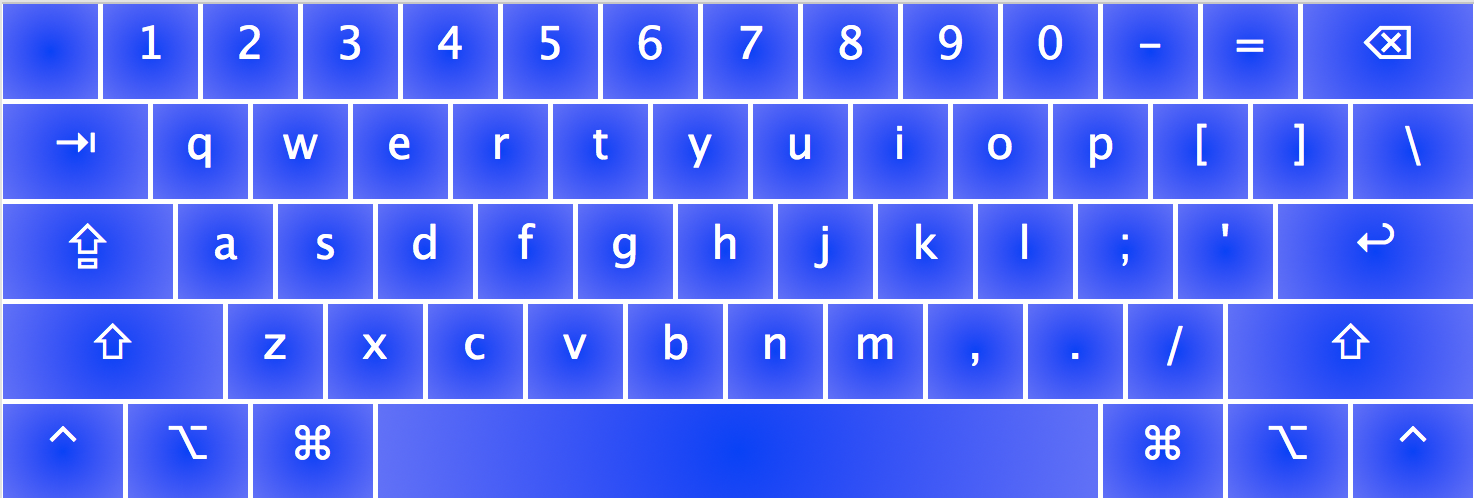
Download Academic.keylayout, Academic.icns and move them to (~/Library/Keyboard Layouts/ or /Library/Keyboard Layouts). Log out from your computer, then log in again and the keyboard layout can be added through Keyboard Preference pane (System Preferences -> Keyboard -> Input Sources -> + -> Others).