
This package introduces quick navigation across tables defined in schema.rb (Rails-specific file).
Just use Goto Symbol when you have schema.rb opened: ⌘R on Mac, CtrlR on Windows.
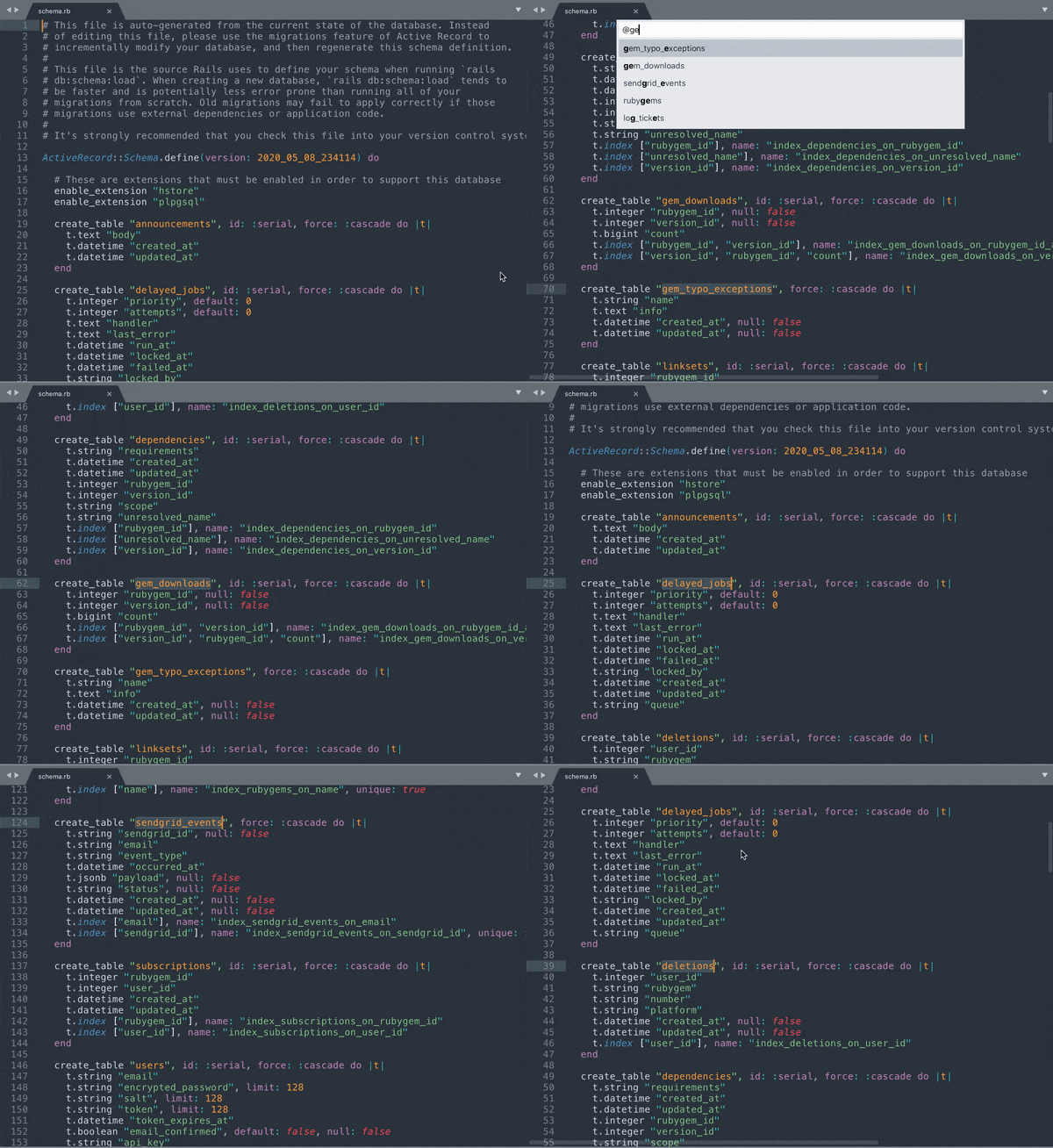
The easiest way to install is using Package Control, search for schema-rb:
- Open Command Palette (⌘⇧P on Mac, CtrlShift ⇧P on Windows)
- Choose
Package Control: Install Package - Select
schema-rb
By default, ApplySyntax disrupts functionality of this package by overriding schema-rb syntax with Ruby on Rails syntax. To fix that, you could configure ApplySyntax accordingly:
- Open up its settings (
Sublime Text -> Preferences -> Package Settings -> ApplySyntax -> Settings) - Add following snippet under
syntaxeskey:
{
    "syntax": "schema-rb/schema-rb.sublime-syntax",
    "rules": [
        {"file_path": ".*/schema.rb$"}
    ]
}