vid1.mp4
A powerful desktop client for interacting with Mistral Large Language Models (LLMs)





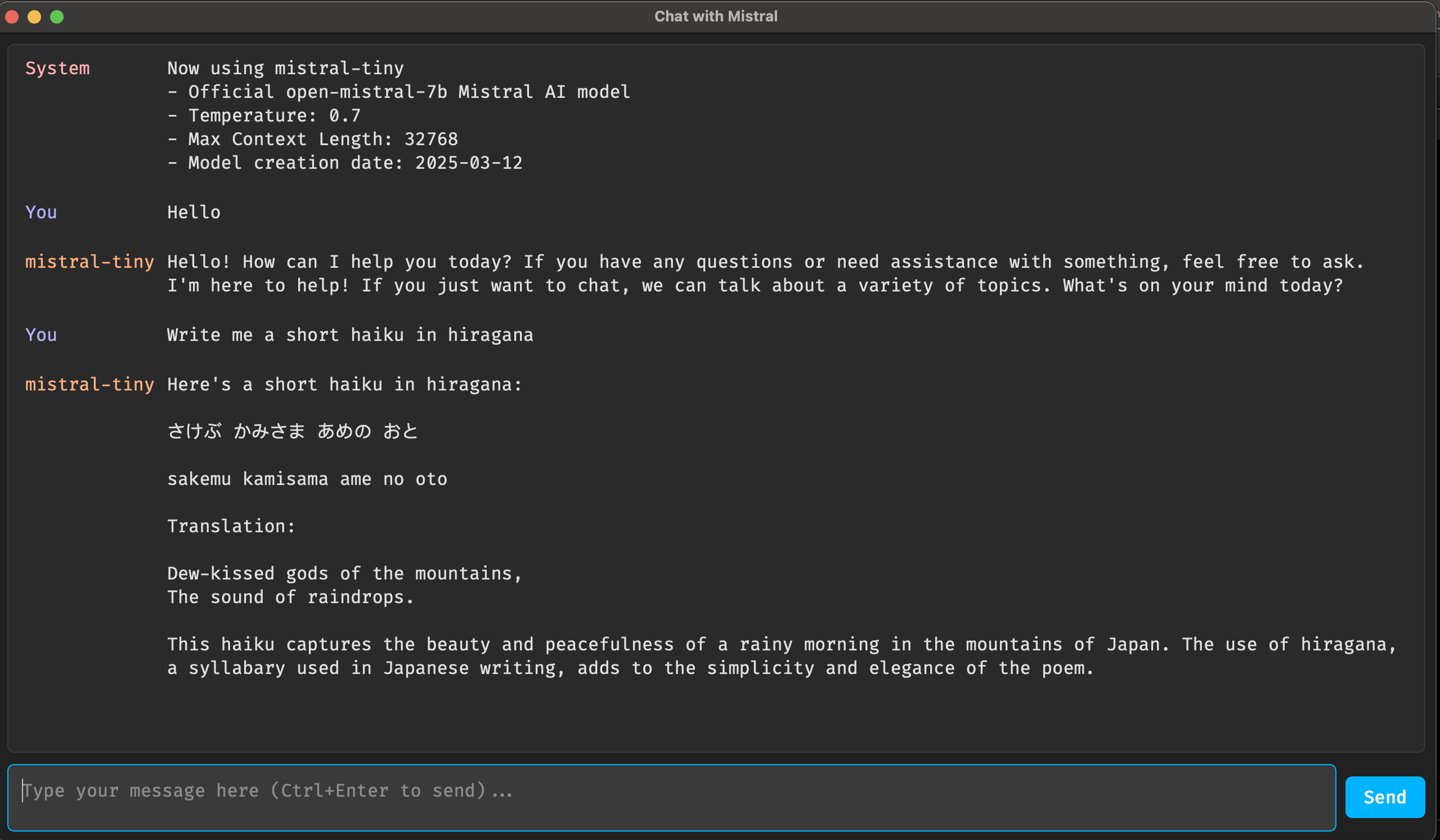
desktop4mistral is a Python-based desktop application that provides a user-friendly interface for chatting with Mistral AI models. Built with PySide6, it offers a modern GUI with features like model selection, chat history, and command support.
- Interactive chat interface with Mistral LLMs
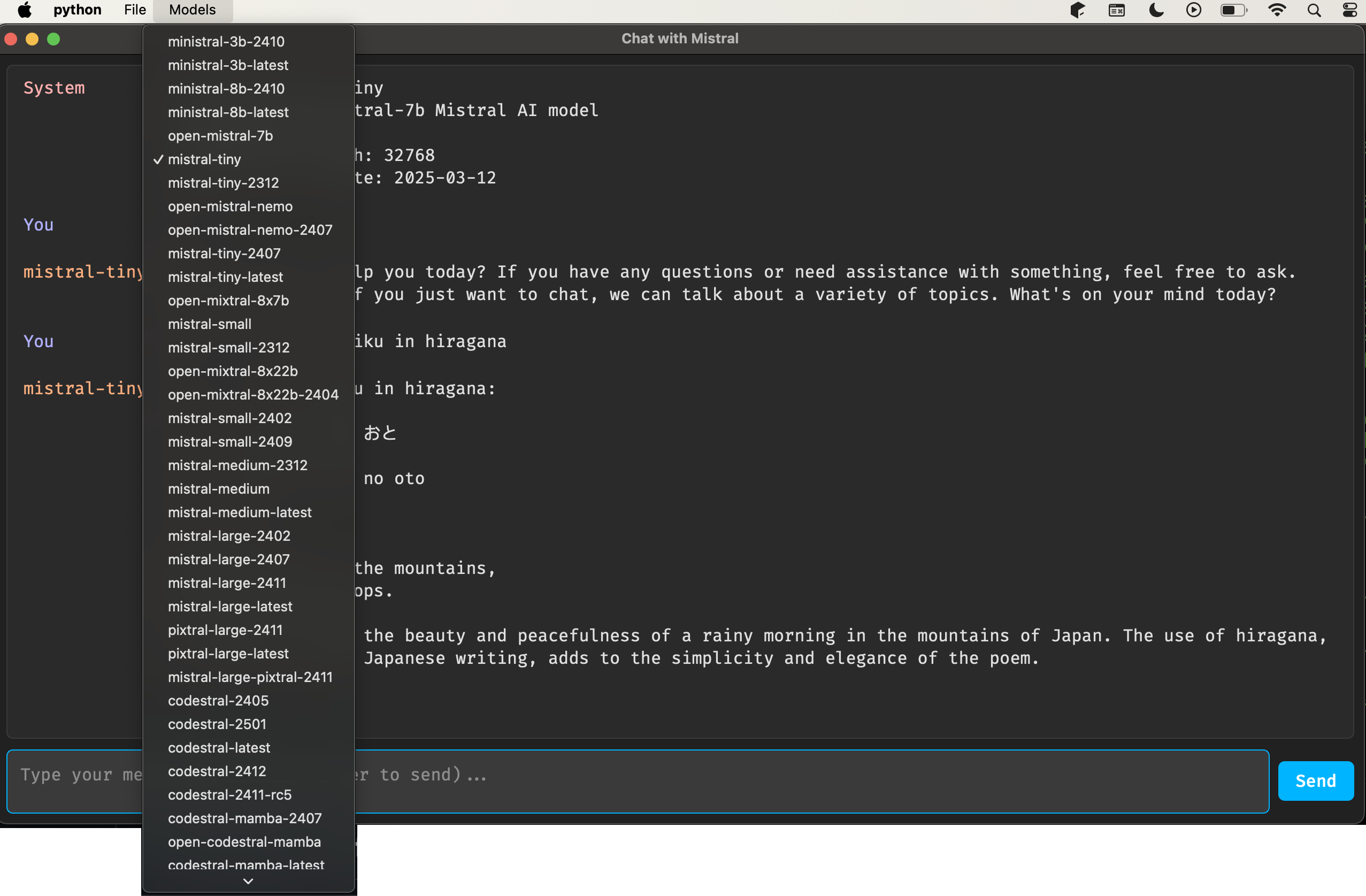
- Support for multiple Mistral models with easy switching
- Full Markdown support.
- Command system (e.g.,
/readto fetch any local file or webpage,wiki_searchto search Wikipedia, etc). - Some commands also support a more natural language syntax. You can, for instance, say "read the contents of /tmp/myfile.txt".
- Use
/save_markdownto save your entire chat as a markdown file, which you could use in other tools, like Obsidian. - Supports Python code execution. Ideally, you should first ask it to write some Python code. In the next prompt you can just say something like "run it". This way you can be sure what the model's doing.
Desktop4Mistral supports several commands.
/readto read a local or remote file. Can also be used to reload a previous chat session./gitto read a github repository/wiki_searchto search Wikipedia/wiki_idto look up the contents of a Wikipedia page/saveto save the entire chat session as a JSON file/save_markdownto save the entire chat session as a markdown file/talkto turn talkingonoroff. Uses Kokoro as the TTS model. You can expect reasonable performance on most hardware.
- Python 3.11 or 3.12
- Mistral API key (get it from Mistral AI)
Install using pip.
pip install desktop4mistralAnd run...
export MISTRAL_API_KEY='your-api-key-here'
desktop4mistral
or
python3 -m desktop4mistral.main- Clone the repository:
git clone https://github.com/hathibelagal-dev/desktop4mistral.git
cd desktop4mistral- Install the app and its dependencies:
pip3 install .- Launch the application
- Select a Mistral model from the "Models" menu
- Type your message in the input field
- Press Ctrl+Enter or click "Send" to submit
- View responses in the chat window
For issues and feature requests, please use the GitHub Issues page.
This project is licensed under the GNU General Public License v3 (GPLv3) - see the LICENSE file for details.