






A framework for building Django admin tools and a growing suite of operational panels for your project.
Django Control Room is a plugin framework for building Django admin tools (called "panels"), and a suite of official panels for services like Redis, Celery, and caches, plus Django internals like URLs and Signals. Every panel, official or third-party, is a small independent Python package built on the public plugin API in dj-control-room-base.
Install dj-control-room and it discovers compatible panels via Python entry points, renders them in a centralized dashboard, and gives them a shared design system, permissions model, and admin sidebar integration.
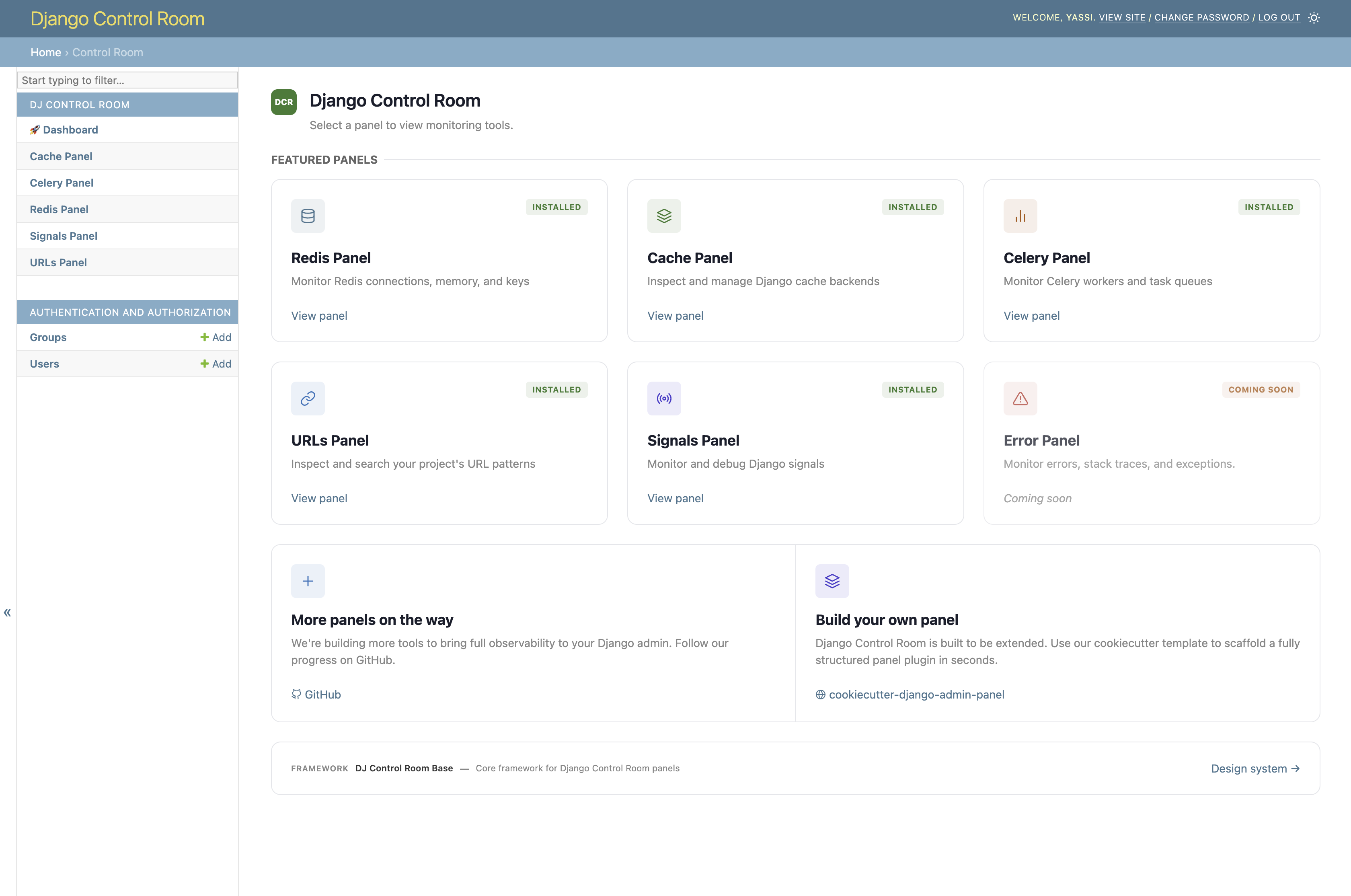
- Plugin framework - build admin tools on dj-control-room-base; custom panels behave like the official ones
- Centralized dashboard - installed panels are discovered automatically and shown in one place
- Shared UI - responsive design and dark mode via a common design system; theme adapters for popular admin skins
- Secure - package verification and staff-gated access
- Official panels - pre-built panels for common operational tasks
- AI agent integration (MCP) - one MCP endpoint aggregates every installed panel's tools (see Configuration)
# Core only
pip install dj-control-room

# With specific official panels
pip install dj-control-room[redis,cache,urls]

# Or with all official panels
pip install dj-control-room[all]
Add dj_control_room_base (required core library), your panels, then dj_control_room (so they appear under one admin section):
INSTALLED_APPS = [
    # ...
    "dj_control_room_base",
    "dj_redis_panel",
    "dj_cache_panel",
    "dj_urls_panel",
    "dj_control_room",
]
urlpatterns = [
path("admin/dj-redis-panel/", include("dj_redis_panel.urls")),
path("admin/dj-cache-panel/", include("dj_cache_panel.urls")),
path("admin/dj-urls-panel/", include("dj_urls_panel.urls")),
path("admin/dj-control-room/", include("dj_control_room.urls")),
path("admin/", admin.site.urls),
]python manage.py migrateThen visit http://localhost:8000/admin/dj-control-room/.
For the full walkthrough, settings (sidebar behavior, MCP), and theme adapters, see Installation, Configuration, and Theme Adapters.
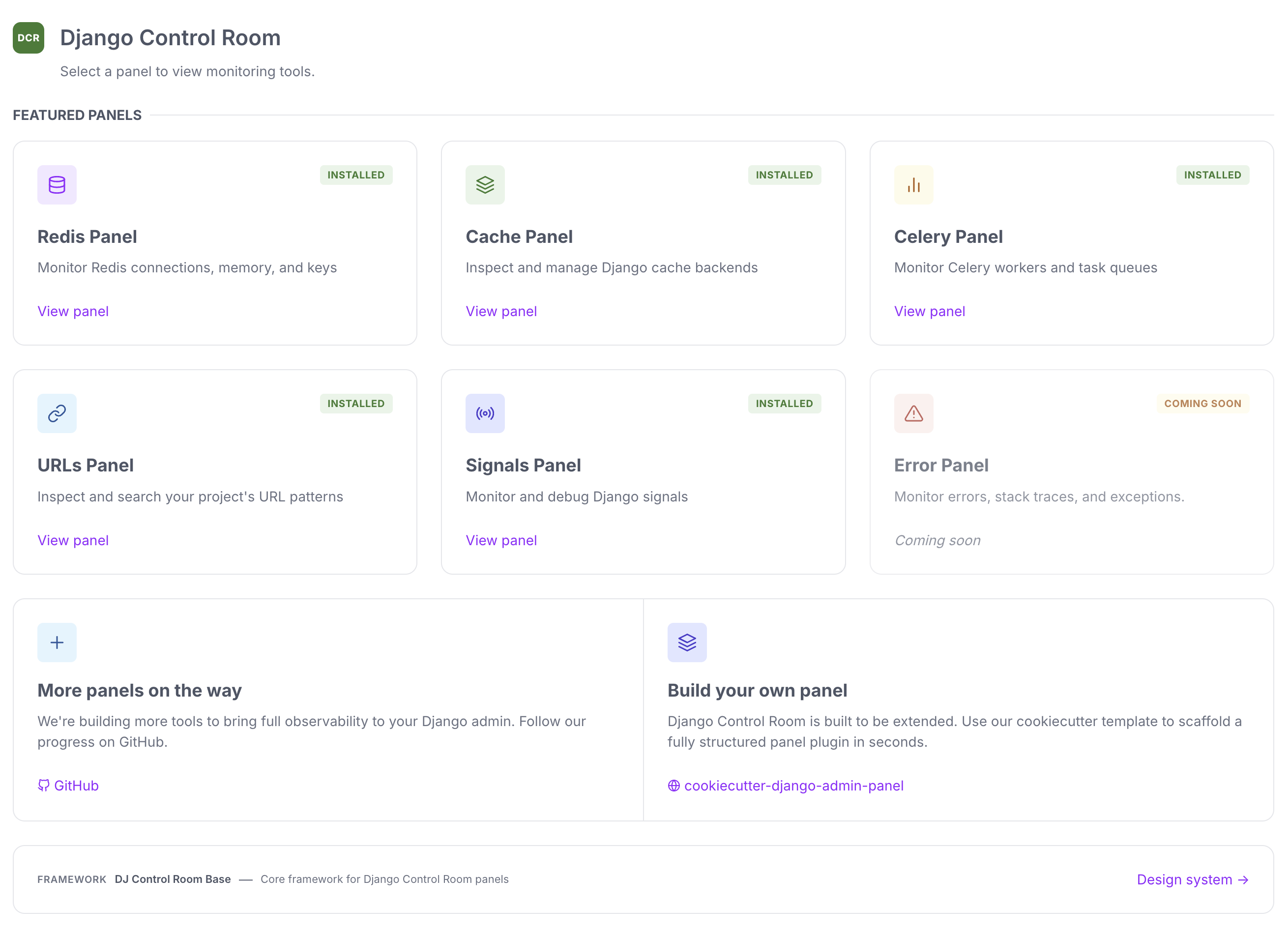
| Panel | Description | Install |
|---|---|---|
| Redis Panel | Monitor connections, inspect keys, view memory usage | pip install dj-redis-panel |
| Cache Panel | Inspect cache entries, view hit/miss ratios | pip install dj-cache-panel |
| URLs Panel | Browse URL patterns, test resolvers | pip install dj-urls-panel |
| Celery Panel | Monitor workers, track task queues | pip install dj-celery-panel |
| Signals Panel | Inspect Django signals and receivers | pip install dj-signals-panel |
pip install cookiecutter
cookiecutter https://github.com/django-control-room/cookiecutter-dj-control-room-plugin
For a full guide, see Creating Panels or the build your own panel walkthrough.
- Official site: djangocontrolroom.com
- Full docs: django-control-room.github.io/dj-control-room
| Page | Contents |
|---|---|
| Installation | Install, INSTALLED_APPS, URLs |
| Configuration | Settings, sidebar, CSS, MCP |
| Scopes | Permission scopes |
| Theme Adapters | Supported admin skins and screenshots |
| Creating Panels | Build custom panels |
| API Reference | Public API |
- Python 3.9+
- Django 4.2+
See the Contributing Guide.
MIT. See LICENSE.
Created by Yasser Toruno