Make natural eye contact on every video call.
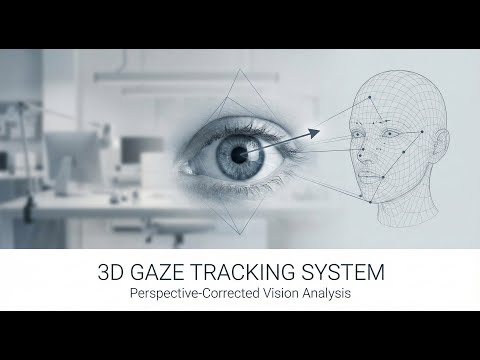
Gaze Correction Camera is a macOS virtual camera extension that automatically adjusts your eye direction in real-time — so you always look directly at the people you're talking to, even when you're reading notes or looking at your own video tile.

Install the .app, grant camera access, and you're ready to go.
- macOS 14 (Sonoma) or later
- A connected webcam or built-in camera
- Camera access permission granted to the app
- Download and open the app from the link above.
- Grant camera access when prompted by macOS.
- Select your camera from the dropdown in the top-right corner of the app window.
- Enable gaze correction using the toggle in the settings panel.
- Set this app as your camera in Zoom, Teams, FaceTime, or any video app — look for "Gaze Correction Camera" in the camera device list.
| Key | Action |
|---|---|
g |
Toggle gaze correction on / off |
c |
Toggle calibration panel |
q |
Quit |
Press c to open the calibration panel and fine-tune the correction for your setup:
| Control | Action |
|---|---|
↑ ↓ ← → |
Adjust camera position up/down/left/right |
+ / - |
Adjust camera distance (closer/further) |
[ / ] |
Adjust focal length |
r |
Reset all values to default |
Tip: Start with the defaults. Only calibrate if the gaze correction looks off for your specific desk setup.
If you want to run from source or use the Python CLI directly:
brew install pkg-config cmake
poetry install
Download from GitHub Releases and place in the correct directories:
lm_feat/shape_predictor_68_face_landmarks.datweights/warping_model/flx/12/L/and.../R/— checkpoint + weight files- (Optional)
models/face_landmarker.task— for MediaPipe backend
# Default (dlib backend)
poetry run python bin_single_window.py

# MediaPipe backend
poetry run python bin_single_window.py --backend mediapipe

# Specific camera
poetry run python bin_single_window.py --camera 1- Captures your webcam feed in real-time
- Detects your face and eye positions using computer vision
- Calculates where your eyes need to point to look at the camera
- Applies a learned neural network warp to redirect your gaze
- Outputs the corrected video as a virtual camera device
Looking for architecture details or module documentation? See docs/architecture.md.