Hunger is a modern food marketplace that connects local restaurants and bakeries with customers looking for quality meals at affordable prices.




The platform enables food businesses to list discounted food items, reach more customers, and generate additional sales. At the same time, shoppers can easily discover great deals on fresh, high-quality food from nearby sellers through a fast and seamless experience.
Whether you're growing your food business or searching for your next affordable meal, Hunger makes buying and selling food simple, secure, and convenient.
- Food Sellers boost sales, attract new customers, and make better use of available inventory.
- Shoppers enjoy quality food at lower prices without compromising on freshness.
- Hunger provides a seamless marketplace that benefits both businesses and customers.
This project is deployed on Vercel with automatic CI/CD from the main branch.
🔗 Live URL: https://hunger-by-simanto.vercel.app
|
|
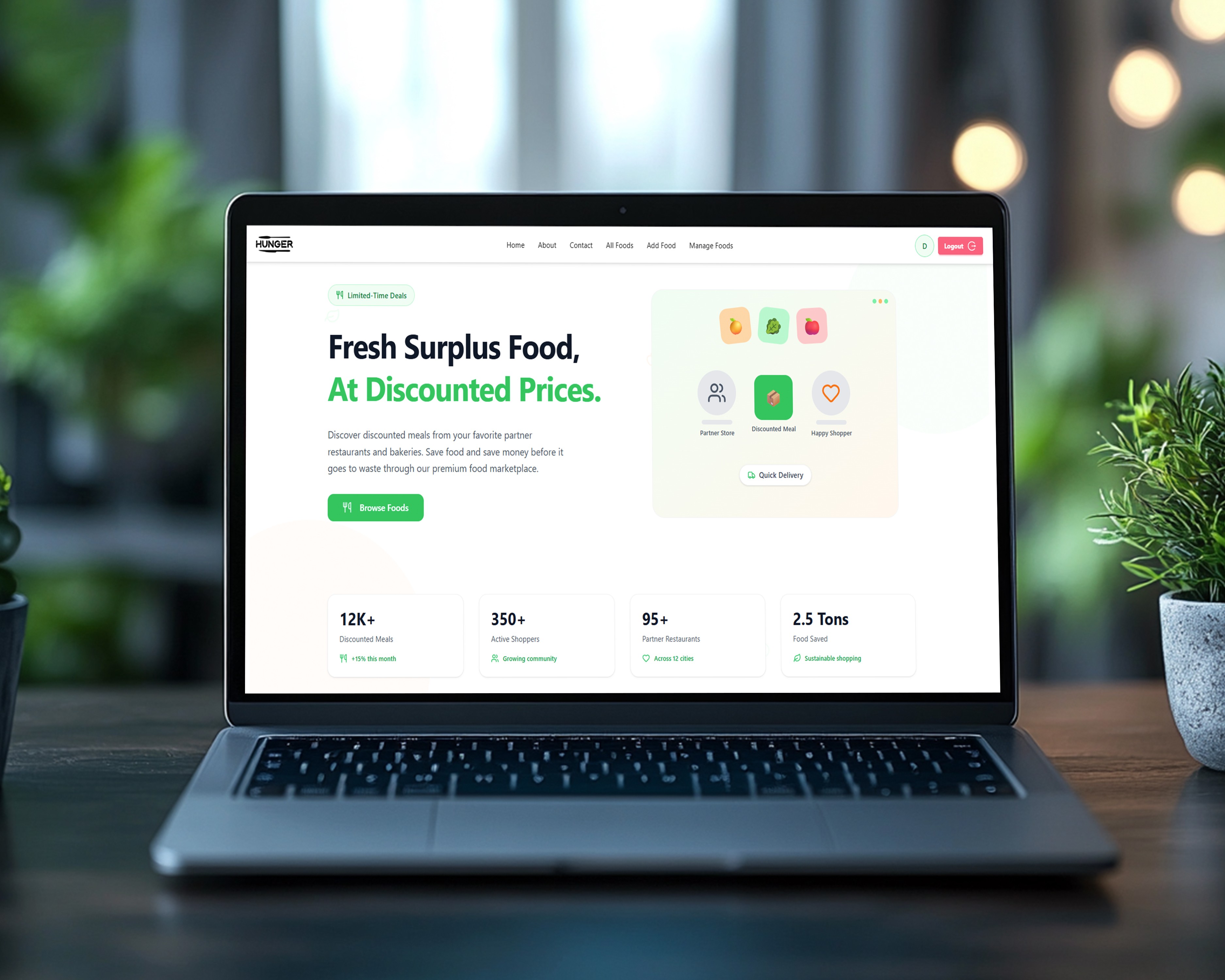
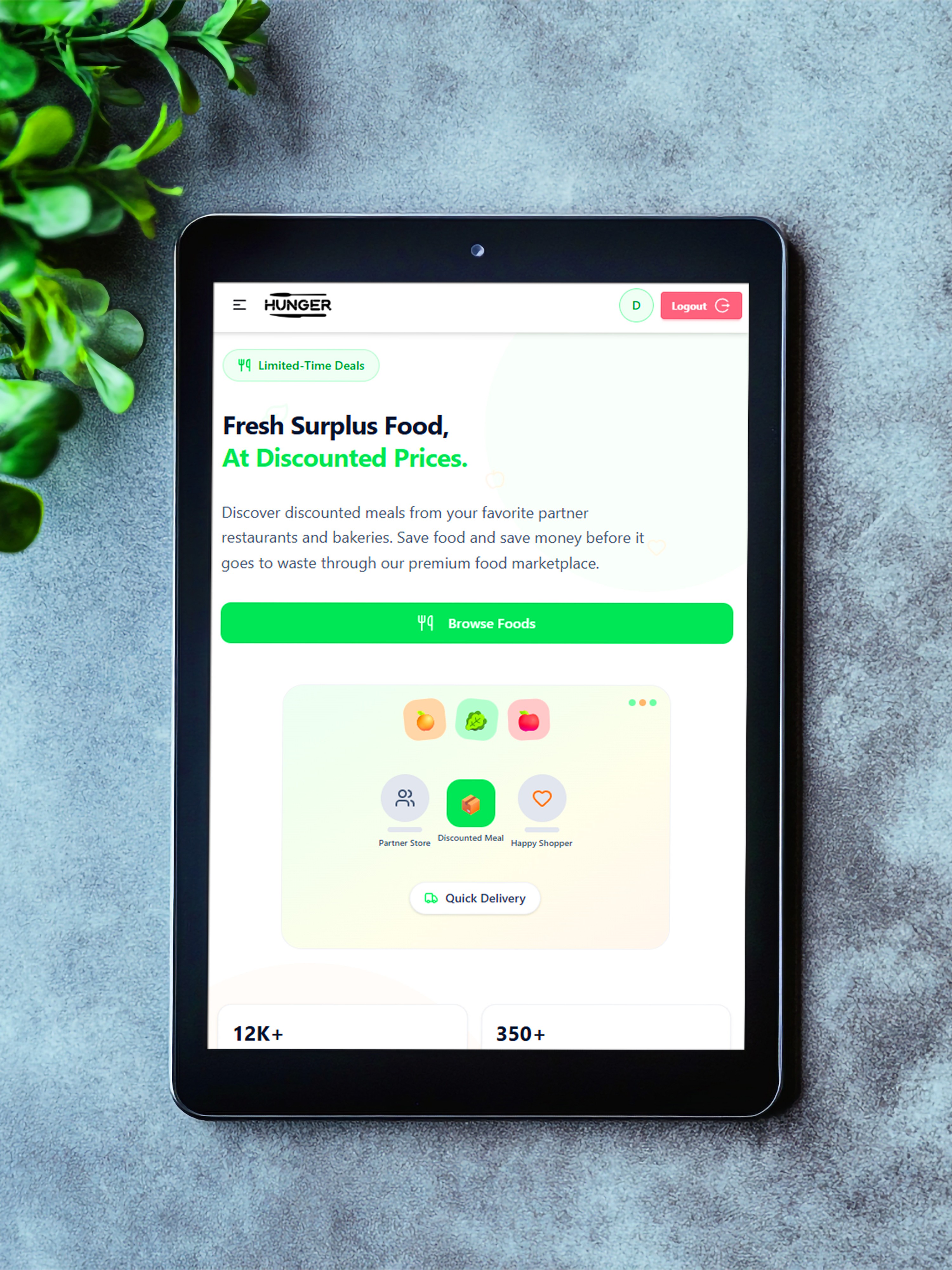
A responsive homepage that provides a cohesive entry point for both shoppers and partners:
- Hero Section: Clear call-to-actions, illustrations, and floating animated design elements.
- Bottom Statistics: Cards highlighting key metrics — 12K+ Discounted Meals, 350+ Active Shoppers, 95+ Partner Restaurants, and 2.5 Tons of Food Saved.
- Content Sections: Informative sections including FAQ, Why Choose Hunger, Our Outlets, and Privacy Policy.
A secure gatekeeping system powered by Firebase Authentication:
- Sign Up & Log In: Simple email and password registration and login processes with input validation.
- One-Click Demo Login: Fast-track access using pre-filled credentials to experience all authenticated routes instantly.
A clean catalog layout built to help consumers find exactly what they want:
- Advanced Search: Search for food items by title or key terms.
- Multi-Field Filters: Filter products by category (e.g., Pizza, Chicken, Seafood, Desserts, and Others) or price range.
- Sorting Options: Sort the available surplus food listings by price (Low to High & High to Low).
- Pagination: Structured browsing to ensure quick load times.
- Skeleton Loader: Displays placeholders while database information is being fetched.
A publicly accessible page dedicated to providing complete information about each meal:
- Rich Metadata: Multiple images, descriptions, price tags, ratings, and dietary indicators.
- Interactive Review Interface: A user-friendly, UI-only ratings and reviews form enabling users to submit star ratings and write comments.
- Related Recommendations: Interactive grid showcasing related food items from the same category to prompt further browsing.
A protected route allowing authenticated sellers to list new surplus items:
- Add Food Form: Fields capturing title, category, price, short description, full description, and optional tags.
- Image Upload Service: Integrated image uploading utility to attach high-quality visual representation to listings.
A dedicated management area for users to control their active marketplace posts:
- Item Directory: Lists all items posted by the current user.
- Quick Actions: Options to view detailed listings or permanently delete active items from the database.
A clean statistics layout visualizing the popularity of various items:
- Double-Ring Pie Chart: Powered by Recharts to display meal demand and category statistics dynamically.
- Interactive Tooltips & Legend: Styled custom tooltips and color-coded labels detailing sales on hover.
| Category | Technology |
|---|---|
| Core Framework | Next.js (v16 App Router) |
| Language | TypeScript |
| Frontend Library | React (v19) |
| Authentication | Firebase Authentication |
| Database | Google Cloud Firestore |
| Image Hosting | ImgBB |
| Styling | Tailwind CSS (v4) |
| Component Libraries | HeroUI & DaisyUI |
| Data Visualization | Recharts |
| Icons | Lucide React & React Icons |
| Notifications | React Hot Toast |
| Deployment | Vercel |
| Route | Access | Description |
|---|---|---|
/ |
🟢 Public | Landing page showing Hero, Outlets, Why Choose Hunger, Analytics, FAQ, and Privacy Policy |
/login |
🟢 Public | User sign-in page with validation and one-click demo login option |
/registration |
🟢 Public | User sign-up page for new account registrations |
/about |
🟢 Public | Mission statement and overview of the Hunger marketplace |
/contact |
🟢 Public | Contact form and inquiries page for users and sellers |
/all-foods |
🟢 Public | Main explore page with search, filters, sorting, and pagination |
/all-foods/:id |
🟢 Public | Details page for a specific meal with description, ratings, and related items |
/add-food |
🔴 Private | Private form to list a new surplus food item on the marketplace |
/manage-foods |
🔴 Private | Private control panel to view and delete the current user's food listings |
- Node.js
>= 18 - npm
>= 9
# Clone the repository
git clone https://github.com/SIMANTO-PODDAR/Hunger.git
cd Hunger

# Install dependencies
npm install

# Start development server
npm run dev
Open http://localhost:3000 in your browser.
# Build the project
npm run build

# Start production server
npm run startTo run this project, create a .env.local file in your root directory and copy the following environment variables:
NEXT_PUBLIC_FIREBASE_API_KEY=your_firebase_api_key
NEXT_PUBLIC_FIREBASE_AUTH_DOMAIN=your_project.firebaseapp.com
NEXT_PUBLIC_FIREBASE_PROJECT_ID=your_project_id
NEXT_PUBLIC_FIREBASE_STORAGE_BUCKET=your_project.appspot.com
NEXT_PUBLIC_FIREBASE_MESSAGING_SENDER_ID=your_sender_id
NEXT_PUBLIC_FIREBASE_APP_ID=your_app_id
NEXT_PUBLIC_IMAGE_UPLOAD_API=your_imgbb_api_key
Made with 💚 using Next.js + Tailwind CSS