


for Live Interaction
- lib: PIL, numpy, numexpr
- photo source: Photos are placed in the photos folder of the current directory by default
- The previous photo: Defined in createNevImage, one can modify it yourself
- alpha: modify the transparency of the previous photo, the default is 0.5, one can modify the test by yourself
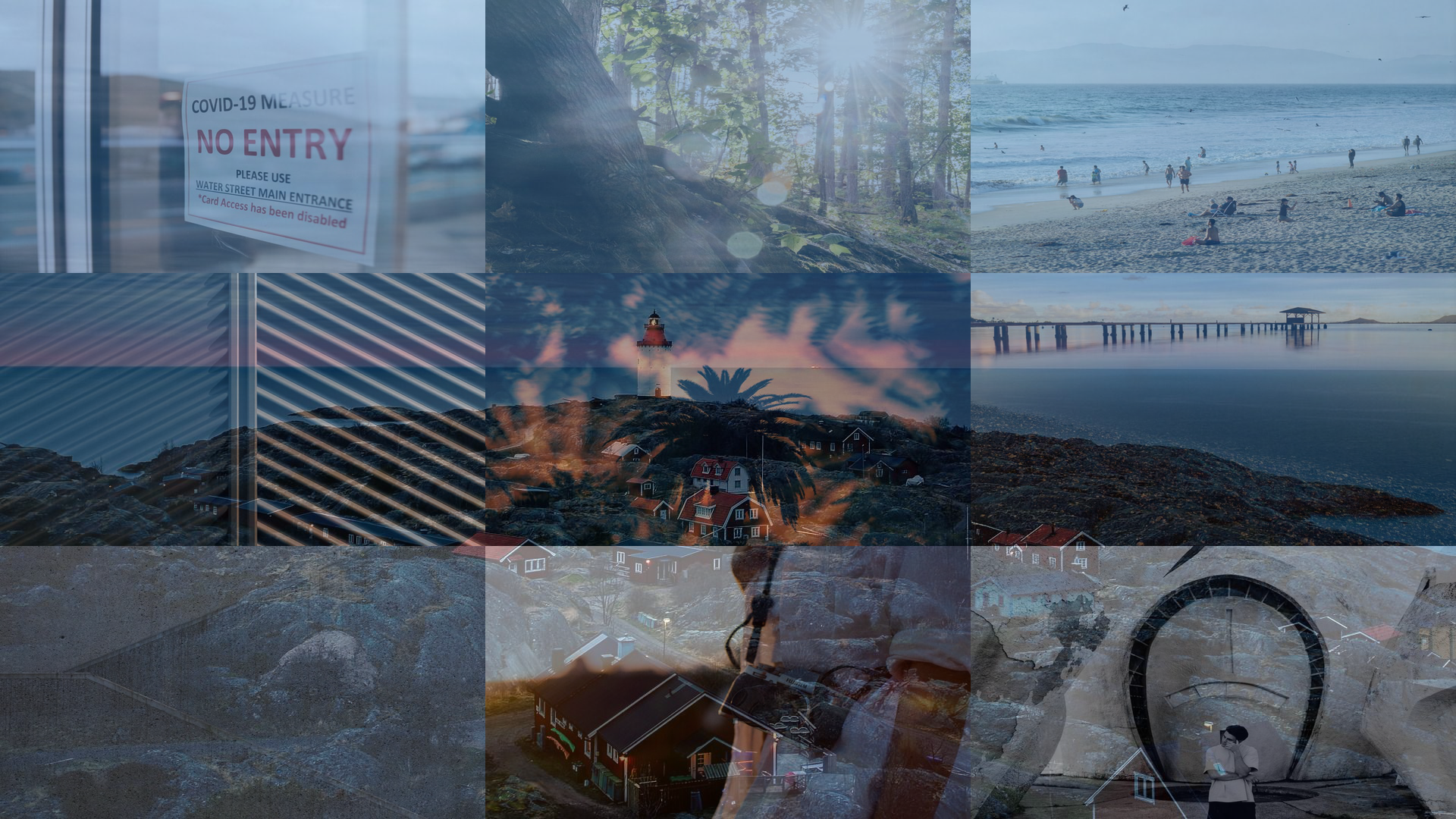
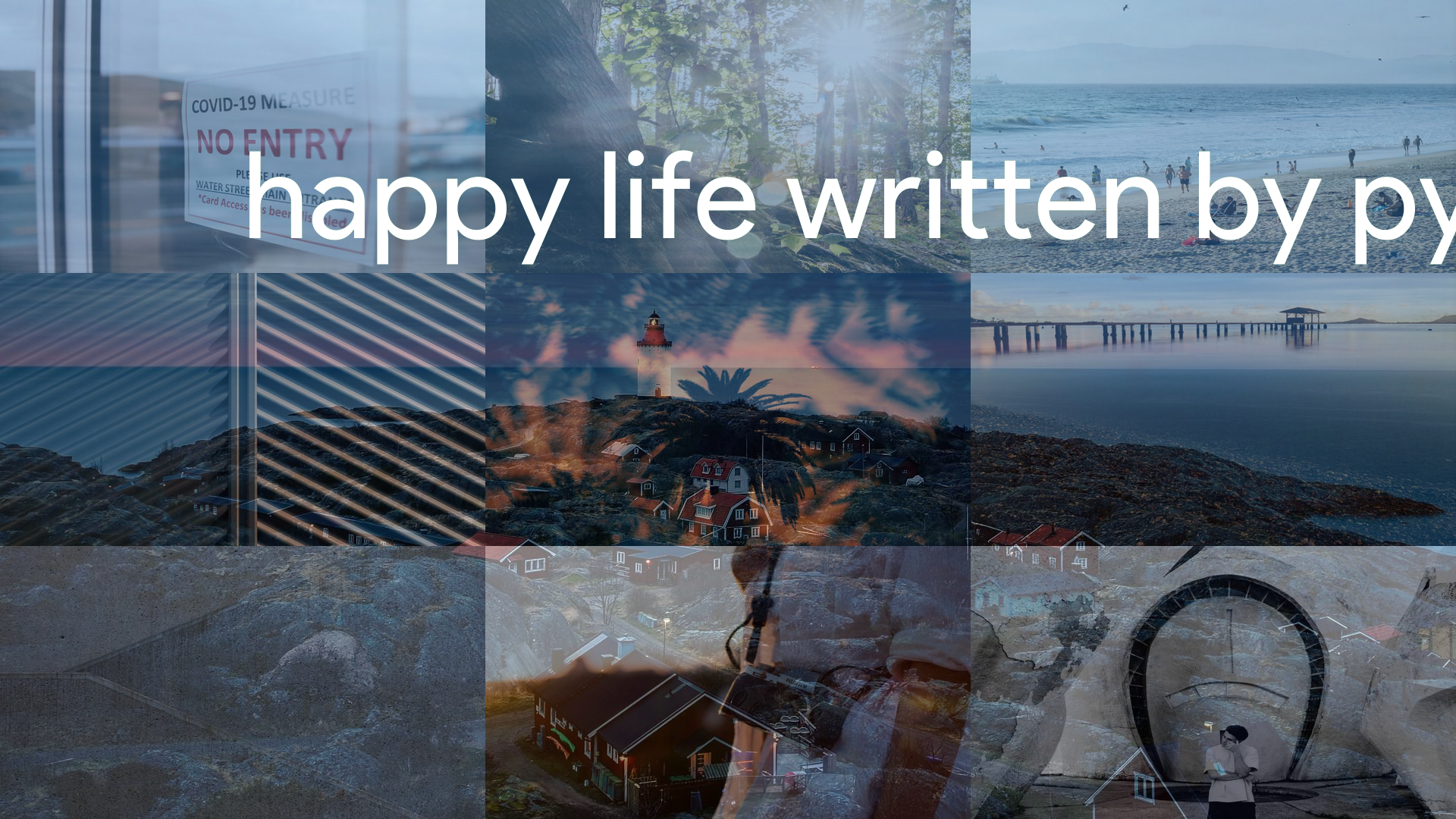
- photos: After running the code, several photos will be generated in the code directory, which are generated indirectly during running. The final photo is final.jpg
- past.py past3.py: is the experimental code, corresponding to final2.jpg, fianl.jpg. The specific difference between the two codes is the different cascading method.
- The transfer function directly resets the size of the photo, so the photo will be deformed. Due to the proportion of cropping the photo may make the photo no longer coordinated.