- Clone this repo:
git clone https://github.com/ozalexo/CustomXCodeTemplates.git /tmp/CustomXCodeTemplates - Create the following folders to keep own templates:
mkdir -p ~/Library/Developer/Xcode/Templates/Project\ Templates/XCode\ 10\ Templates/ - Copy template:
cp -r /tmp/CustomXCodeTemplates/XCode10\ Single\ View\ App.xctemplate ~/Library/Developer/Xcode/Templates/Project\ Templates/XCode\ 10\ Templates/ - Just in case of fire: restart XCode. Now you are able to create pure iOS12 project in XCode 11 beta.
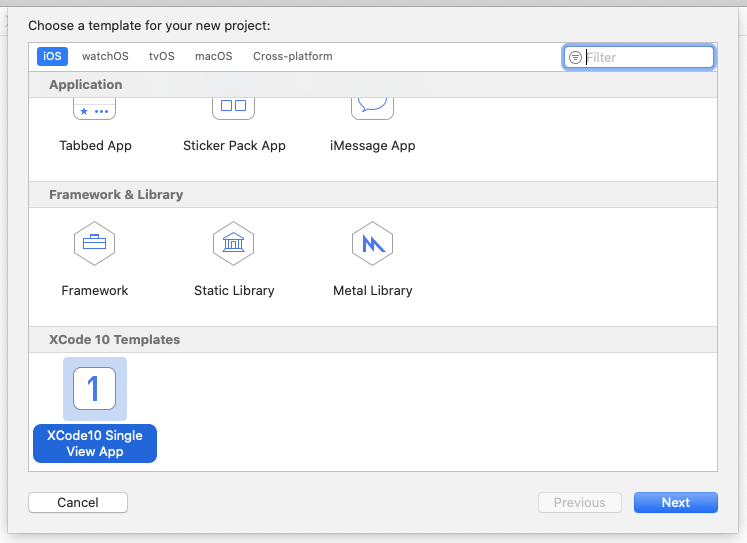
Please check that you have appropriate iOS version of iPhone's simulator downloaded.
16 Aug'19: latest version is 12.4, but in XCode 11 beta 5 only 12.2 is available.