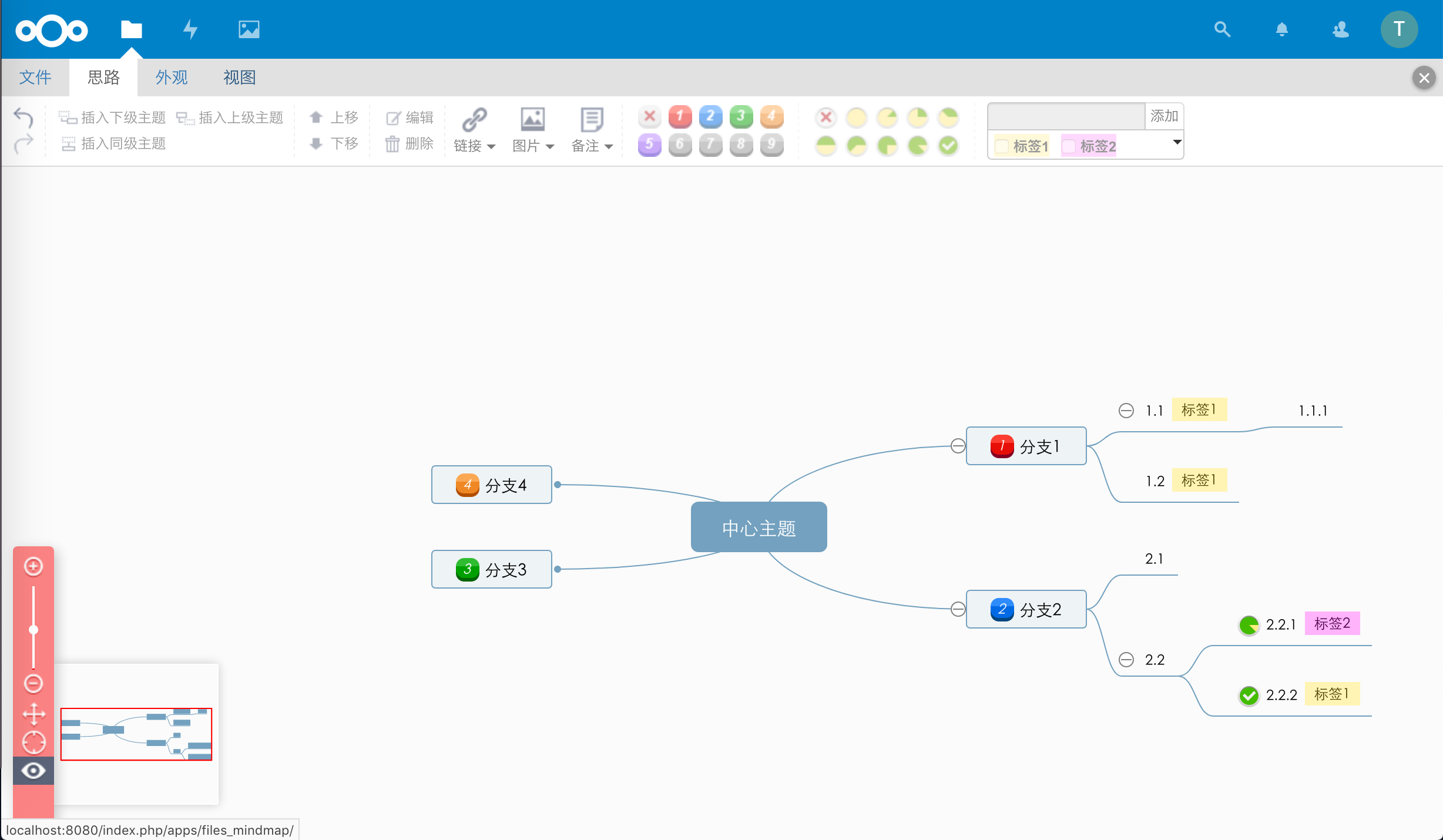
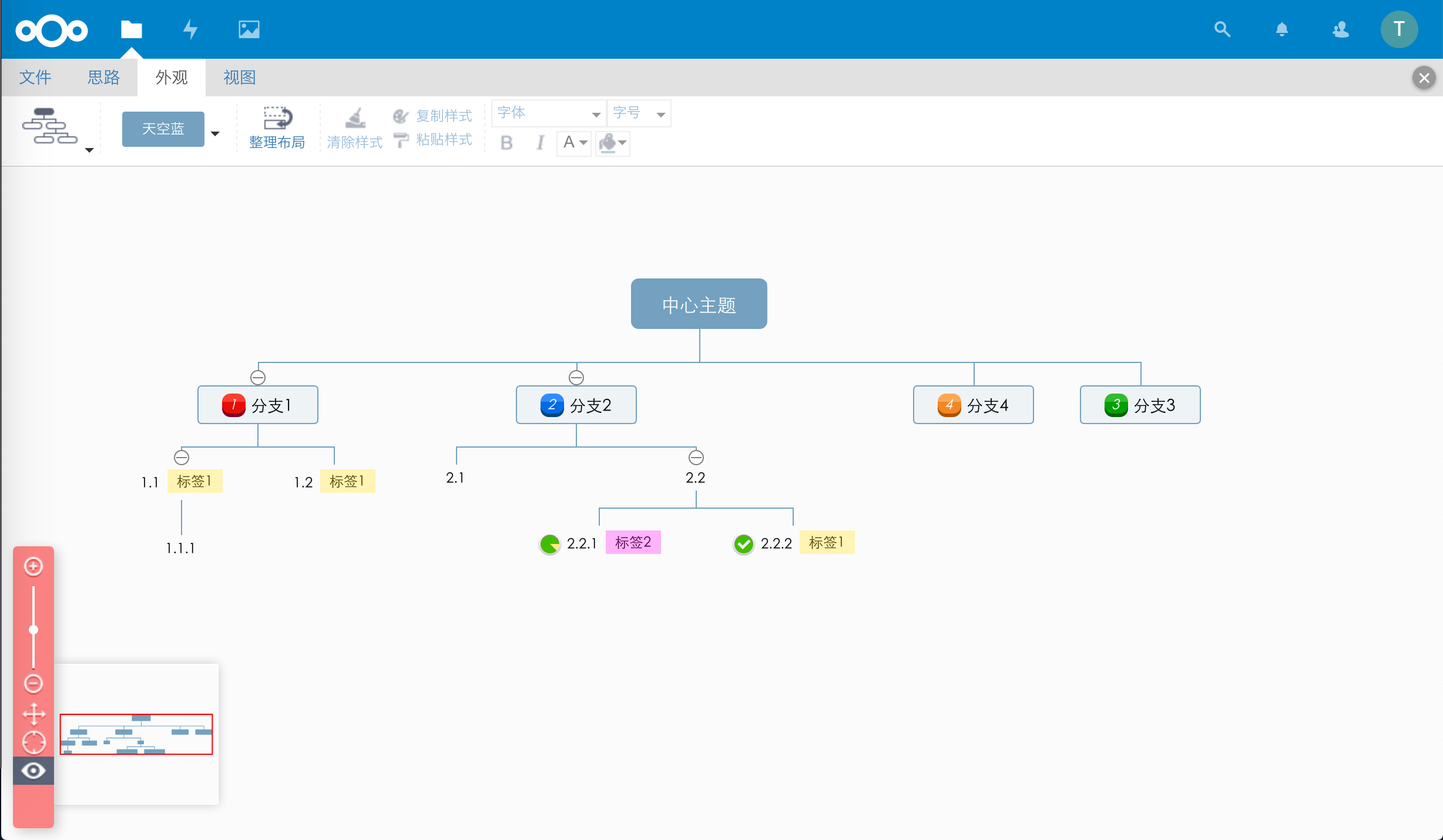
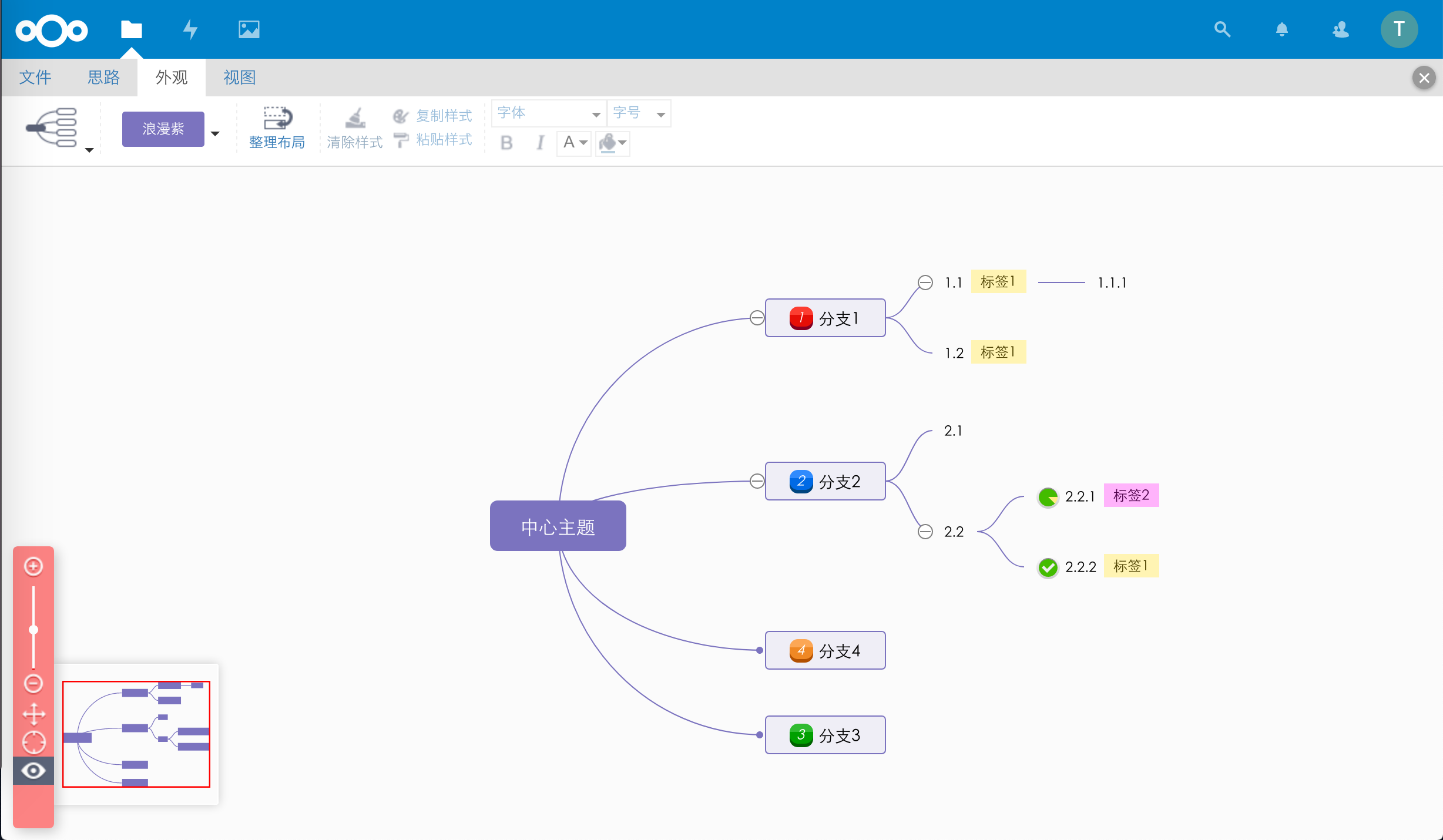
This app allows Nextcloud users to open, save, and edit mind map files directly in the web browser. App icon by Icons8; mind map rendering powered by KityMinder Editor.
- Install the app
- Click the New button on the Nextcloud Files page
- Select New mind map file
You can also click any .km file to open and edit it directly.
| Format | Extension | Read | Save |
|---|---|---|---|
| KityMinder | *.km |
✓ | ✓ |
| XMind | *.xmind |
✓ (first page root node only) | ✗ |
| FreeMind | *.mm |
✓ | ✗ |
Translations are managed on Transifex: https://www.transifex.com/nextcloud/nextcloud/