Releases: maizzle/framework
v6.0.0-rc.7


New features
This RC brings a bunch of new features!
To try them out, best scaffold a new Maizzle 6 (beta) project:
npx maizzle@latest newSend test emails
There is now a Test tab at the bottom of the dev UI, from where you can send yourself an actual test email.

The pre-checked "Prevent threading" option appends a timestamp to your subject so that email clients do not group your test messages (important, because threading can affect how an email looks like).
This uses Nodemailer, so you will need to pass your SMTP config for sending emails in the server.email Maizzle config:
import { defineConfig } from '@maizzle/framework'

export default defineConfig({
  server: {
    email: {
      to: ['test@example.com'],
      from: 'dev@example.email',
      transport: {
        host: 'smtp.yourprovider.com',
        port: 465,
        auth: { user: '...', pass: '...' }, // use and fetch env vars in production
      },
    },
  }
})
Note
If you don't configure server.email, Ethereal will be used by default and you will get a preview link to check the sent email.
More commands
We now have commands for screenshotting and copying code to clipboard in the command palette. You can also quickly access the Maizzle docs and Can I Email right from there:

<Preheader>
Renamed the <Preview> component to <Preheader>.
<Markdown>
Added a <Markdown> that can be used to render markdown like this:
<Markdown>
  # Hello!
</Markdown>
Or like this:
<Markdown src="file.md" />Speaking of markdown, there is now a markdown.shikiTheme option through which you can choose the theme used when syntax-highligthing .md files that you import and use as components
Changed
- replaced the shadcn resizables with a custom implementation that works better with device resizing too
- updated css compilation to transform
text-decoration-linefromunderline/no-underlineutilities totext-decoration, for better email client compatibility
Fixed
- fixed an issue with css purging not removing some orphaned classes
- fixed an issue with
<style data-embed>being inlined - fixed a bunch of issues with the dev server ui, like resizing, colors, scrollbars and general polish
- fixed content jumping in dev preview when saving changes to a template
- feat: send test emails 1fea6fe
- refactor: rename preview component to preheader c1447d7
- refactor: css purging 762a5cd
- feat: markdown component 6289d33
- feat: email-safe text decoration 53eff98
- fix: preserve style tags marked as embedded a68de33
- feat: add more commands bc31f54
- refactor: dialog overlay background 649dc5c
- refactor: dev ui dropdowns a0e0cb8
- refactor: devices dropdown 2e2b52e
- refactor: dev preview scrollbar 5ed88c3
- refactor: tone down dev ui icons in dark mode 2b95beb
- feat: custom scrollbars in dev ui 322d7b0
- refactor: server ui dark mode c7c6db9
- refactor: command palette triggers 552e83a
- refactor: compatibility check 071c6fe
- refactor: preview resizing cb205be
- refactor: dev preview rendering b2c4ce4
- feat: markdown.shikiTheme option cc53a7a
- refactor: codeblock component 234acdf
v6.0.0-rc.6
This release adds a few more components to make it easier to create HTML emails.
To try it out, create a new Maizzle 6 project:
npx maizzle new
If you already have one set up, simply reinstall your dependencies.
Skeleton components
Added <Html>, <Head>, and <Body>
Layout components
We now have <Container>, <Row>, and <Column> components that you can use to quickly create email layouts without having to worry about markup or Outlook.
Columns are "spongy", they stack automatically when there isn't enough space so they don't look squashed in email clients that don't support media queries, such as when using Gmail to check your IMAP address.
Kudos to MJ Robbins for laying the foundation.
Image component
There's a new <Image> component that supports dark mode image swapping via the <picture> element:
<Image src="..." dark-src="..." />You can even use it to respect the user's prefers-reduced-motion preference:
<Image src="..." reduced-motion-src="..." />Overlap component
We've added an <Overlap> component that makes it easier to overlay an element over another:
<Overlap width="552px" height="160px">
  <Image width="552px" src="..." />

  <template #overlay>
    <div>Overlayed content</div>
  </template>
</Overlap>
Updated Spacer component
The <Spacer> component can now do horizontal spacing, like between two words:
Hello<Spacer type="horizontal" width="150px" />world!- feat: html skeleton components 7be9336
- feat: layout components 4bdf905
- wip: overlap component 42141ec
- feat: image component 59ad5cc
- refactor: spacer component 5d19a28
v6.0.0-rc.5
New features
Liquid-like filters
Added Liquid-like filters through attributes. This already exists in Maizzle 5, it just needed porting over.
<Teleport>
This Vue 3 feature now works, so you can push content pretty much anywhere in your HTML. This will be the successor of the Blade-inspired <push> tags from Maizzle 5.
Code components
Added <CodeBlock and <CodeInline> components to generate HTML email-optimized, syntax highlighted code blocks.
<Preview>
Added a <Preview> component that can be used to define preview/preheader text for an email.
usePreviewText composable
Preview text can also be defined with the help of this new composable.
Auto self-closing tags
Self-closing tags like <br> or <meta> will now get the closing / automatically, based on your doctype. So in XHTML documents, you will see <br /> even if you wrote it as <br> in the template.
Updated
- updated the
<Button>component types so you know exactly what to pass in props such asvariant=""
Fixed
- fixed an issue where Tailwind utilities in framework-provided components were not being generated
- fixed an issue where CSS
calc()values in vendor prefixed properties were not resolved by LightningCSS - fixed an issue where the source code and plaintext previews were not being properly updated when a template was updated during local development
- feat: CodeInline component 5be2dc7
- fix: evaluate css calc for vendor properties 37e59e7
- test: the preview component 26e2147
- feat: CodeBlock component 6bc4cd8
- feat: usePreviewText composable c7442bb
- feat: preview text component 5c1ed4a
- fix: updating rendered source preview 4df2bfa
- fix: ts errors in jsdoc for tailwindcss.ts 5791af6
- fix: tailwind compilation 65077ae
- refactor: button component 84e7c0c
- feat: handle self-closing tags based on doctype 5499b5a
- feat: add support for <Teleport> bf5a7b7
- feat: filter directives dc97b29
v6.0.0-rc.4
v6.0.0-rc.3
v6.0.0-rc.2
v6.0.0-rc.1
v6.0.0-rc.0
Maizzle 6
Holy crap it's finally here! Tailwind CSS 4, Vue templating, Vite plugin and lots more 🥳
Maizzle 6 is a complete framework rewrite. It uses Vite for the build system and dev server, and it can even be used as a Vite plugin in your existing vite.config.js. We've moved to using Vue for templating - not only do you get a much better DX when coding emails, but the vast Vue ecosystem means you can do a lot more things, and LLMs will now be better at using Maizzle.
Given the above, this version is not backwards-compatible.
Features
- Vite build system and dev server
- Maizzle as a Vite plugin
- Vue templating with SFCs
- Tailwind CSS 4
- Revamped dev UI
Getting started
We're working on docs and upgrade/migration guides and some things might change in this beta period, for now you can rely on your IDEs autocomplete to show what's possible, like new components, config options etc.
There are a lot of breaking changes which we'll document as we update the docs, but for now the best way to test it out is to create a new Maizzle project:
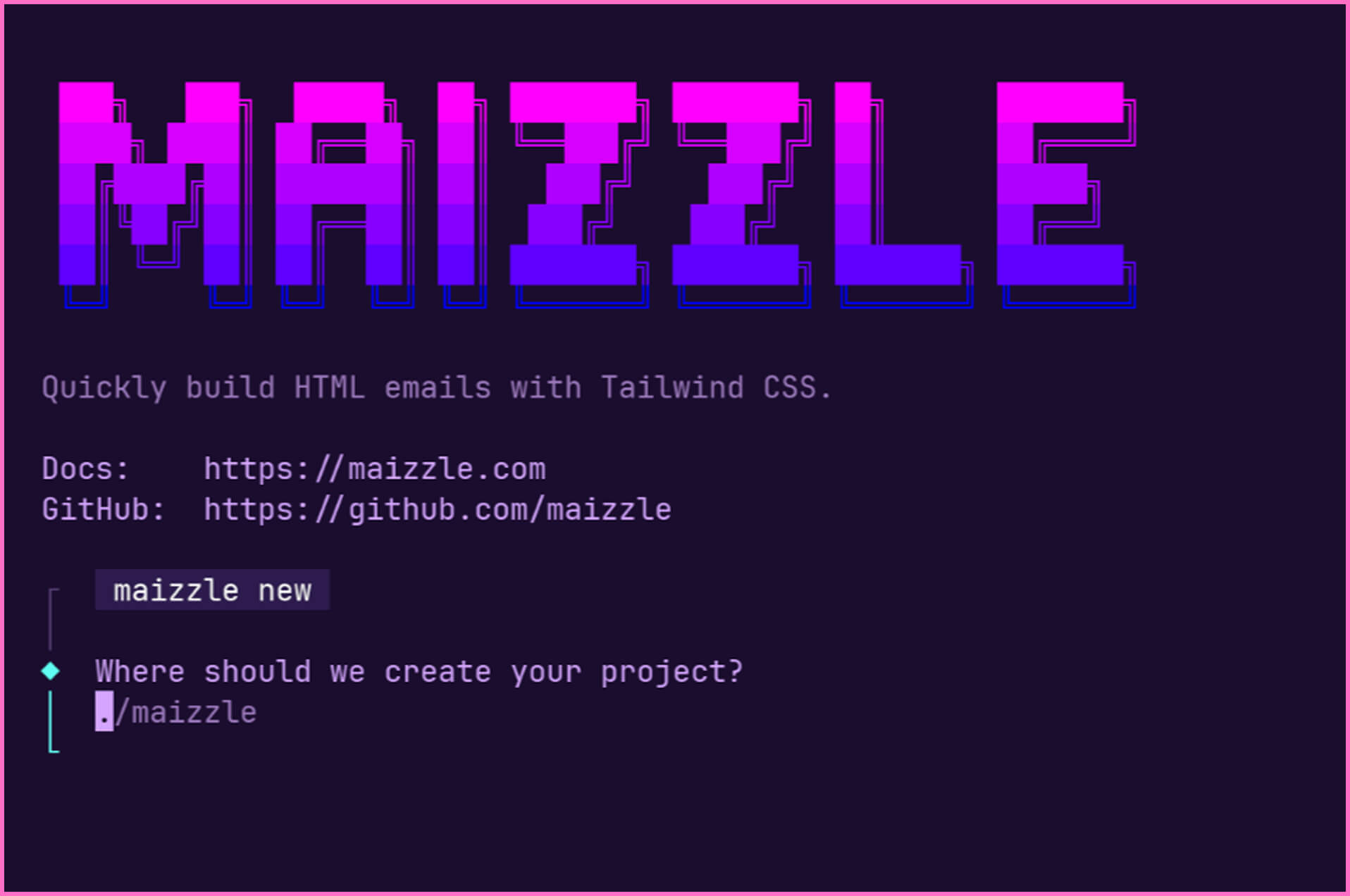
npx maizzle newChoose the "Maizzle 6 (beta)" starter when prompted:
Vite plugin
If you want to test Maizzle 6 as a Vite plugin in an existing project, install it first:
npm i @maizzle/framework@next @maizzle/tailwindcss... then, in your vite.config.js, add the plugin, for example:
import { defineConfig } from 'vite'
import vue from '@vitejs/plugin-vue'
import tailwindcss from '@tailwindcss/vite'
import { maizzle } from '@maizzle/framework'

export default defineConfig({
  plugins: [
    // Host app's own plugins
    vue(),
    tailwindcss(),
    maizzle({
      content: ['./src/emails/**/*.vue'],
      output: {
        path: 'resources/views/emails',
        extension: 'blade.php',
      },
      css: {
        safe: true,
        purge: true,
        inline: true,
      }
    }),
  ],
})
You'll see the Maizzle dev server running on localhost:3000.
Laravel
You may use Maizzle 6 as a Vite plugin to generate the emails your Laravel application needs. It even detects if it's running in a Laravel project and configures itself for you.
Check out the Laravel Vue starter kit with Maizzle 6.
Components
We now have built-in components, try one of the following after starting the dev server:
<Button><Spacer><Divider><Outlook><NotOutlook><NoWidows><Vml><WithUrl>
Composables
There are a few composables available to you in the <script> part of a template, like defineConfig() or useDoctype() or usePlaintext().
More stuff on the way
We're looking into adding:
- more starters for popular Vite-powered frameworks
- more components, like
<Row>/<Column>etc. - AI guidelines, SKILLs etc.
v5.5.0
New features
Merge media queries
A new css.media config option was added, which can be used to control merging and sorting of media queries (using postcss-sort-media-queries):
export default {
  css: {
    media: {
      merge: true, // same as `media: true`
	  sort: 'mobile-first' // default
    },
  }
}
By default, media queries of the same type are not merged. See #1677 for the rationale behind this.
Updated
The components.plugins option has been updated to support running PostHTML plugins either before or after expressions are parsed when components are processed:
// As array, plugins run after expressions
const options = {
  plugins: [/* ... */]
};

// As object with `before` and `after`
const options = {
  plugins: {
    before: [/* ... */],
    after: [/* ... */],
  }
};- build(deps): bump posthtml-component from 2.2.2 to 2.3.0 07a7d8c
- feat: sort media queries option ce254c7
v5.4.1
Fixed
This release fixes an issue with <style data-embed> tags being incorrectly processed and removed by the CSS inliner.
- build(deps): bump juice from 11.1.0 to 11.1.1 2405487
- build(deps): bump lodash-es from 4.17.22 to 4.17.23 d608878
- build(deps): bump morphdom from 2.7.7 to 2.7.8 b30358f
- build(deps): bump ws from 8.18.3 to 8.19.0 d29d8a8
- build(deps-dev): bump supertest from 7.1.4 to 7.2.2 a9b63e2